
Full-Stack Python: Build a Web App with Flask
Build and launch a real web app with Python and Flask — pages, forms, a database, user logins, security, an API and tests.
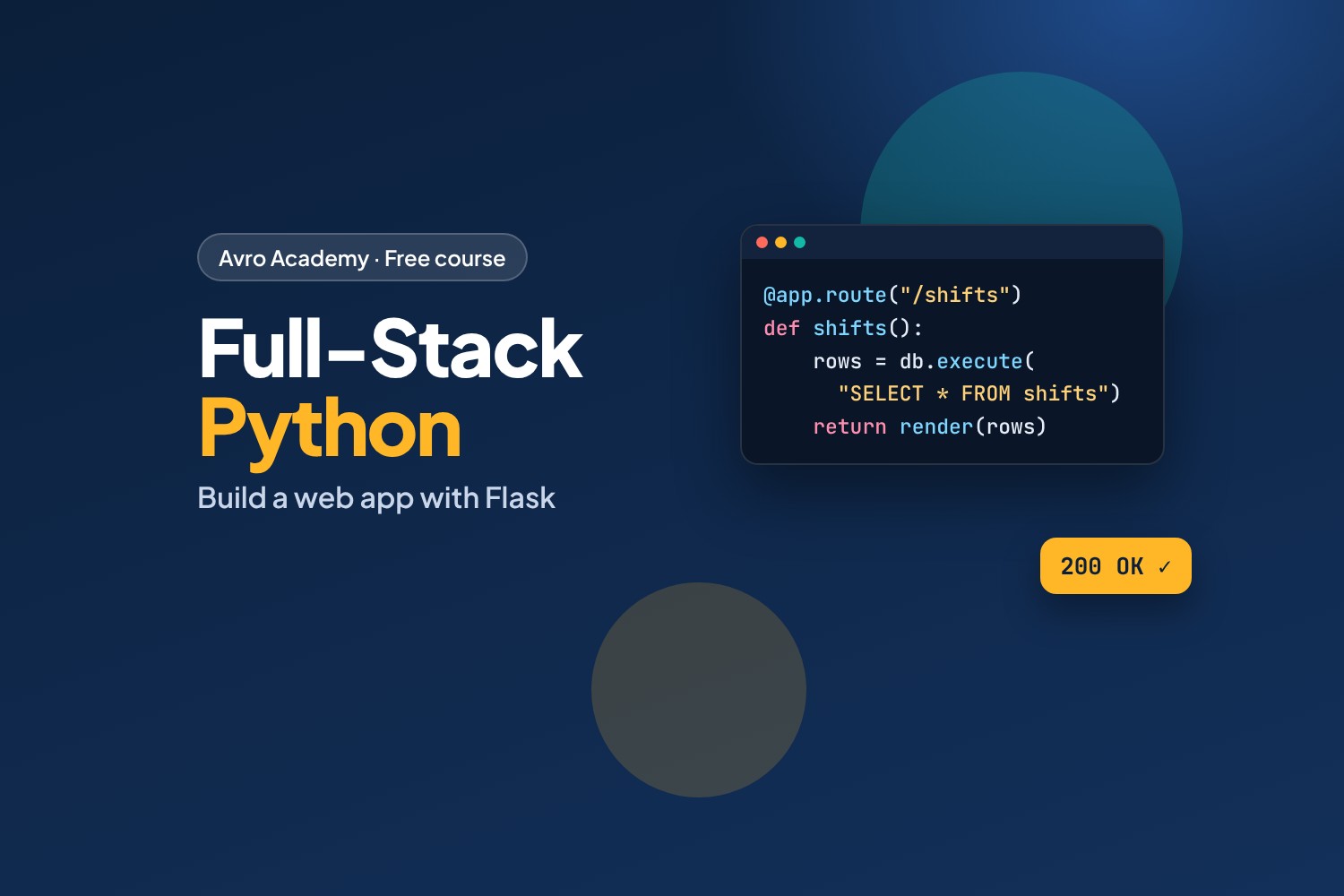
Build a real web app, from the first line to a live website
Every app you use — rosters, online shops, banking, social media — has a front end (what you see), a back end (the code on the server) and a database. A full-stack developer can build all three.
In this course you'll build Shift Swap Board: a web app where staff post shifts they can't work and teammates take them. It's small, but it has everything real apps have:
- Pages made with Flask and Jinja templates
- Forms that check what people type
- A SQLite database, written with safe SQL
- Sign up and log in, with properly hashed passwords
- Protection against common attacks: CSRF, XSS and SQL injection
- A JSON API and JavaScript
fetch(), so buttons work without reloading the page - Automated tests with pytest
- A live copy on the internet you can show employers
Before you start
You'll need the basics from Python Foundations (variables, if, lists, loops, functions and dictionaries). Some HTML helps — and the JavaScript lessons will make more sense if you've done JavaScript for Beginners, but it isn't required.
You'll work on a laptop or desktop with Python and VS Code (both free), or in your browser with GitHub Codespaces. A phone or tablet isn't enough for this course.
How it works
- 8 modules, 23 lessons, about 6 hours plus building time
- Starter files with a complete working app for every step — if you get stuck, compare with the matching folder
- All the code is tested: the finished app passes 17 automated tests and a full browser test
- A quiz after each module and a certificate when you finish
Free forever — like every self-paced course on Avro Academy: all lessons, quizzes, downloads and your certificate. Our promise
Course outline
Module 1: How the web works
Front end, back end and database; requests and responses; setting up Python, VS Code and Flask.
- What full-stack meansFree preview10 min
- Requests, responses and URLsFree preview12 min
- Setting up: Python, VS Code and Flask20 min
- Module 1 quiz5 min
Module 2: Flask basics
Routes, dynamic URLs, Jinja templates, layouts and static files.
- Your first Flask app15 min
- Templates with Jinja15 min
- Static files and links10 min
- Module 2 quiz5 min
Module 3: Forms
HTML forms, GET and POST, reading and checking data, flash messages and Post/Redirect/Get.
- HTML forms, GET and POST12 min
- Reading and checking form data15 min
- Flash messages and redirect after POST12 min
- Module 3 quiz5 min
Module 4: Databases
SQL basics, connecting Flask to SQLite, CRUD and safe queries.
- SQL in 15 minutes15 min
- Connecting Flask to SQLite15 min
- Saving, listing and deleting15 min
- SQL injection and safe queries12 min
- Module 4 quiz5 min
Module 5: User accounts
Password hashing, sign up, log in, sessions and permissions.
- Storing passwords safely12 min
- Sign up, log in and sessions20 min
- Protecting pages and actions15 min
- Module 5 quiz5 min
Module 6: Security essentials
CSRF tokens, XSS and escaping, safe redirects and secret keys.
- CSRF: forms only you can send15 min
- XSS, safe redirects and secret keys15 min
- Module 6 quiz5 min
Module 7: APIs and JavaScript
A JSON API and JavaScript fetch, with progressive enhancement.
- Building a JSON API15 min
- JavaScript fetch: no page reload15 min
- Module 7 quiz5 min
Module 8: Test and launch
Automated tests with pytest, deploying to PythonAnywhere and next steps.
- Automated tests with pytest20 min
- Put your app online25 min
- Next steps as a developer10 min
- Module 8 and final quiz5 min