← All pathwaysPathway · Coding & software
AI Builder
From using AI well to building with it: prompting, Python, your own chatbot that answers from your information, and AI agents that use tools — all with free models.
From prompts to AI agents
From using AI well to building with it: prompting, Python, your own chatbot that answers from your information, and AI agents that use tools — all with free models.
Free forever — like every pathway and course on Avro Academy: all lessons, quizzes, downloads and your certificates. Our promise
Who it's for
Anyone curious about how AI works who wants to build their own AI tools. Start with no coding experience.
What you'll be able to do
- Get reliable results from AI tools
- Write Python programs
- Build a chatbot that answers from your own notes
- Build AI agents with tools, memory and human approval
The courses
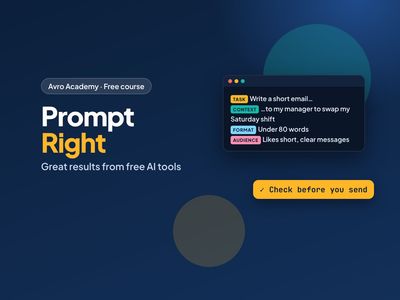
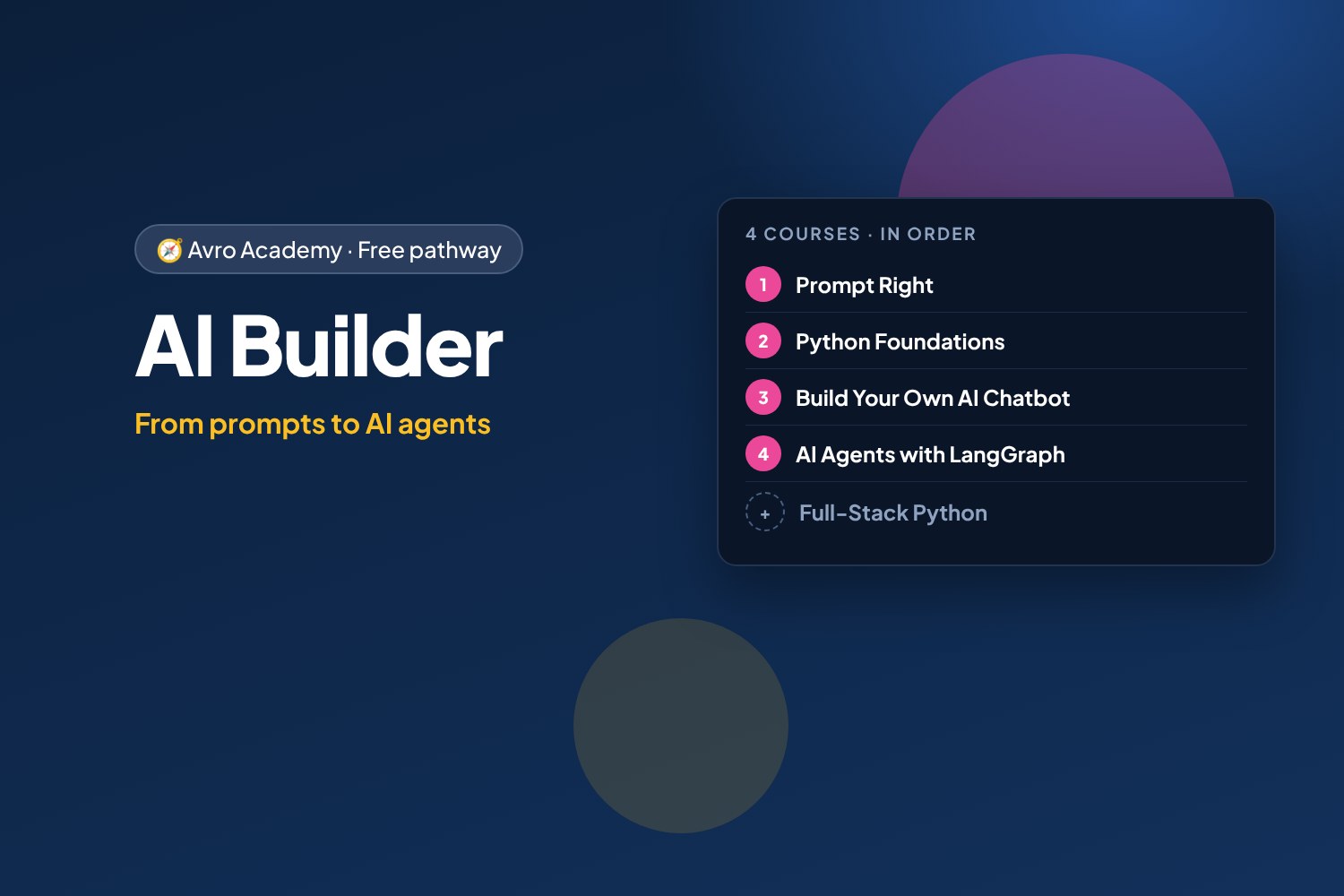
- Prompt Right: Get Great Results from Free AI Tools
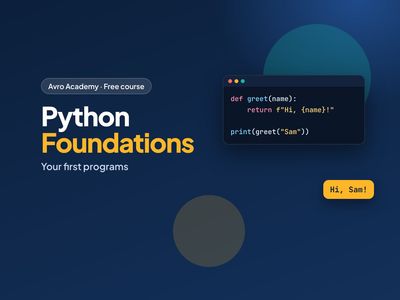
- Python Foundations: Your First Programs
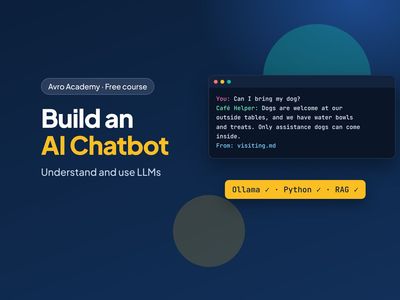
- Build Your Own AI Chatbot: Understanding and Using LLMs
- AI Agents with LangGraph: Café Helper 2.0
Optional extras
- Full-Stack Python: Build a Web App with Flask — To build bigger web apps around your AI
How it works
- Join once, and track your progress across every course in one place, under My learning
- Take the courses in order: each one opens when you finish the one before.
- 4 required courses, about 28.5 hours in total — at your own pace
- You get a certificate for each course, and a pathway certificate when you finish them all
- Completely free
Courses in this pathway
Take these in order: each course opens when the required one before it is complete.
Lessons (0 of 29 done)
Module 1: How AI chat tools work
- What AI chat tools are (and aren't)12 min
- Set up free Claude and free Copilot15 min
- What happens to what you type12 min
- Module 1 quiz5 min
Module 2: Anatomy of a great prompt
- The 4-part prompt15 min
- Show it what good looks like: examples and limits15 min
- Roles, goals and 'ask me first'15 min
- Long prompts that stay clear15 min
- Module 2 quiz5 min
Module 3: Have a conversation
- Follow-ups that work12 min
- When it gets it wrong12 min
- Get feedback and improve your own work15 min
- Module 3 quiz5 min
Module 4: Prompts for real life
- Writing for work15 min
- Job hunting with AI20 min
- Learning anything15 min
- Documents, notes and spreadsheets15 min
- Ideas, plans and decisions12 min
- Module 4 quiz5 min
Module 5: Free Claude and free Copilot
- Getting the most from free Claude15 min
- Getting the most from free Copilot15 min
- Which tool for which job?12 min
- Module 5 quiz5 min
Module 6: Check it before you use it
- Check before you trust15 min
- Using AI responsibly15 min
- Module 6 quiz5 min
Module 7: Your prompt library
- Build your prompt library25 min
- Next steps8 min
- Final quiz5 min
 Python Foundations: Your First ProgramsOpens when the course before it is complete
Lessons (0 of 32 done)
Module 1: Getting started
- What Python is — and why learn it10 min
- Coding in your browser with Google Colab15 min
- Your first program: print, comments and maths15 min
- Reading error messages (tracebacks)12 min
- Module 1 quiz5 min
Module 2: Values and variables
- Variables12 min
- Numbers and maths15 min
- Strings and f-strings15 min
- Input, booleans and converting types15 min
- Module 2 quiz5 min
Module 3: Making decisions
- if, elif and else15 min
- and, or, not12 min
- Module 3 quiz5 min
Module 4: Lists and loops
- Lists15 min
- Loops: for, range and while15 min
- List comprehensions12 min
- Module 4 quiz5 min
Module 5: Functions
- Writing functions18 min
- Scope and building with functions12 min
- Project: shift pay calculator18 min
- Module 5 quiz5 min
Module 6: Dictionaries and data
- Dictionaries15 min
- Lists of dictionaries: real data15 min
- Module 6 quiz5 min
Module 7: Files, errors and modules
- Reading and writing files15 min
- Handling errors with try and except12 min
- Modules: using code others have written12 min
- Module 7 quiz5 min
Module 8: Projects and next steps
- Project: workplace quiz game25 min
- Project: pay and budget tracker25 min
- Debugging, AI tools and next steps15 min
- Module 8 and final quiz5 min
 Build Your Own AI Chatbot: Understanding and Using LLMsOpens when the course before it is complete
Lessons (0 of 24 done)
Module 1: How LLMs work
- What a large language model is20 min
- Tokens, context and settings20 min
- What LLMs get wrong20 min
- Module 1 quiz5 min
Module 2: Run an LLM on your computer
- Installing Ollama20 min
- Chat in the terminal20 min
- Choosing a model25 min
- Module 2 quiz5 min
Module 3: Talking to an LLM from Python
- Your first LLM program25 min
- Messages, roles and memory25 min
- Streaming and settings20 min
- Module 3 quiz5 min
Module 4: Build a chat web app
- A chat web app30 min
- Streaming replies to the browser25 min
- A personality and rules25 min
- Module 4 quiz5 min
Module 5: Answer from your own notes
- Giving the bot your information25 min
- Searching by meaning: embeddings30 min
- Answers from your notes, with sources30 min
- Module 5 quiz5 min
Module 6: Safe, tested and next steps
- Testing your chatbot25 min
- Keeping it safe25 min
- Where to go next20 min
- Module 6 and final quiz5 min
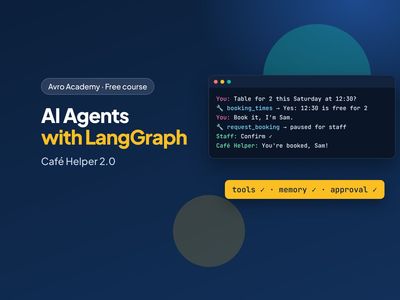 AI Agents with LangGraph: Café Helper 2.0Opens when the course before it is complete
Lessons (0 of 24 done)
Module 1: Agents and graphs
- What an AI agent is20 min
- Your first graph25 min
- Decisions and loops25 min
- Module 1 quiz5 min
Module 2: The model in a graph
- A model that can use tools25 min
- A chatbot graph20 min
- Workflows: sorting messages25 min
- Module 2 quiz5 min
Module 3: Tools and the agent loop
- Tools25 min
- The agent loop30 min
- Designing good tools30 min
- Module 3 quiz5 min
Module 4: Memory
- Memory: checkpointers and threads25 min
- Memory that lasts25 min
- Looking inside the agent25 min
- Module 4 quiz5 min
Module 5: Humans in the loop
- Bookings wait for staff30 min
- Handing over to a person20 min
- The web app and staff page35 min
- Module 5 quiz5 min
Module 6: Tested, safe and next steps
- Testing agents30 min
- Keeping agents safe25 min
- Where to go next20 min
- Module 6 and final quiz5 min
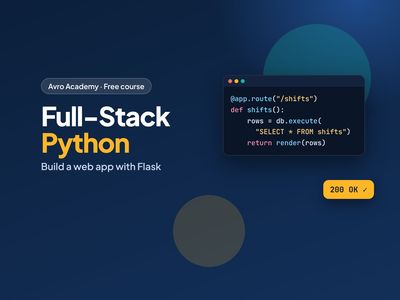 Full-Stack Python: Build a Web App with Flask
To build bigger web apps around your AI
Opens when the course before it is completeLessons (0 of 31 done)
Module 1: How the web works
- What full-stack means10 min
- Requests, responses and URLs12 min
- Setting up: Python, VS Code and Flask20 min
- Module 1 quiz5 min
Module 2: Flask basics
- Your first Flask app15 min
- Templates with Jinja15 min
- Static files and links10 min
- Module 2 quiz5 min
Module 3: Forms
- HTML forms, GET and POST12 min
- Reading and checking form data15 min
- Flash messages and redirect after POST12 min
- Module 3 quiz5 min
Module 4: Databases
- SQL in 15 minutes15 min
- Connecting Flask to SQLite15 min
- Saving, listing and deleting15 min
- SQL injection and safe queries12 min
- Module 4 quiz5 min
Module 5: User accounts
- Storing passwords safely12 min
- Sign up, log in and sessions20 min
- Protecting pages and actions15 min
- Module 5 quiz5 min
Module 6: Security essentials
- CSRF: forms only you can send15 min
- XSS, safe redirects and secret keys15 min
- Module 6 quiz5 min
Module 7: APIs and JavaScript
- Building a JSON API15 min
- JavaScript fetch: no page reload15 min
- Module 7 quiz5 min
Module 8: Test and launch
- Automated tests with pytest20 min
- Put your app online25 min
- Next steps as a developer10 min
- Module 8 and final quiz5 min