
PostgreSQL Foundations: Run the Corner Café Database
Learn SQL with PostgreSQL, the free database used everywhere — ask questions of a real café's sales, change data safely, design your own tables and keep it all backed up.
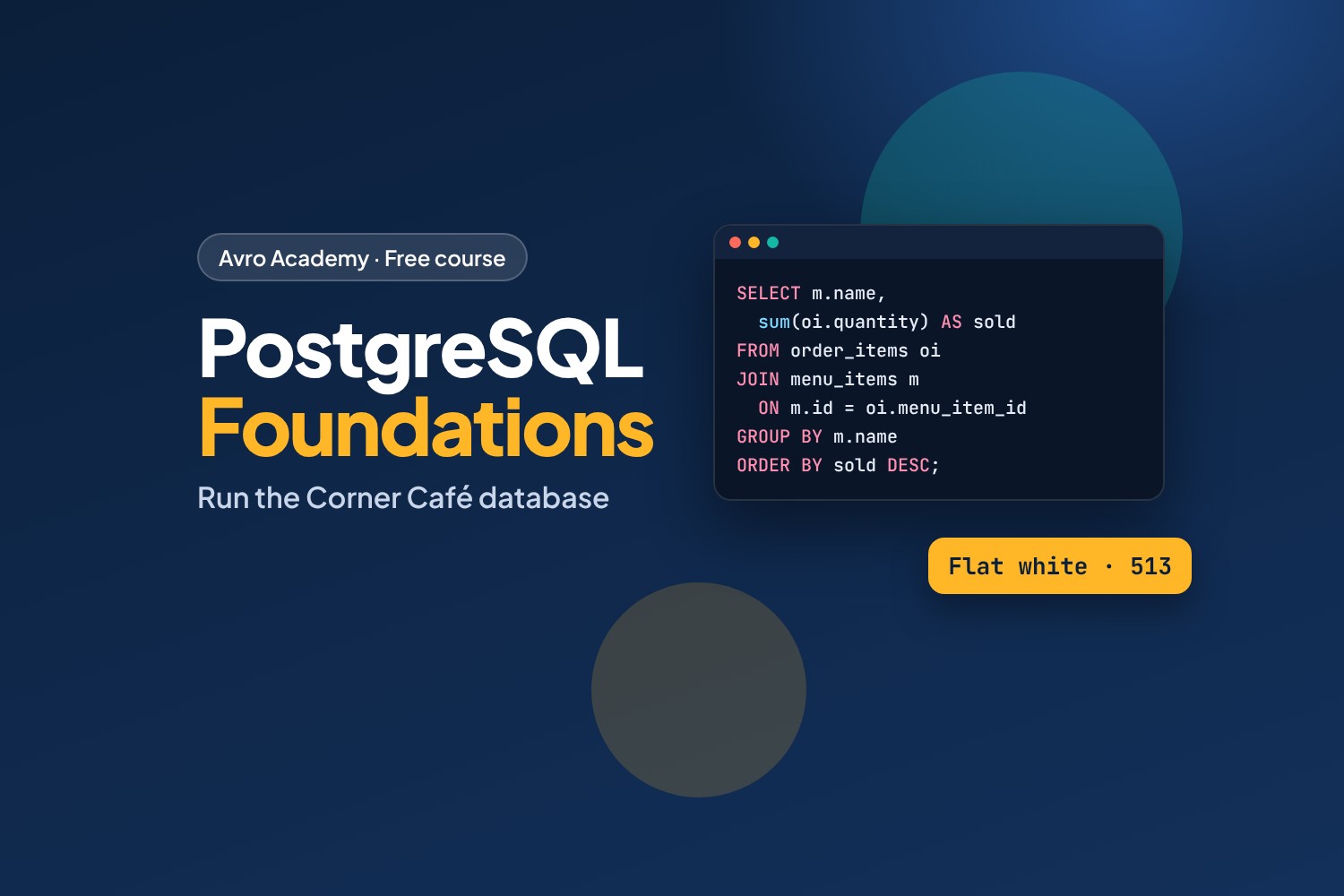
The skill behind every app and every report
Almost every app, website and business system keeps its information in a database, and SQL is the language used to ask it questions. Data analysts, developers, IT support and office staff all use it — and "SQL" is one of the most common skills in job ads for data and IT roles.
PostgreSQL (often just "Postgres") is a free, open-source database used by companies of every size. In this course you'll learn it from scratch with a real database: a month of sales from Corner Café — its menu, staff, customers and nearly 1,500 orders.
What you'll learn
- Install PostgreSQL and use psql, its command line
- Ask questions with SELECT: filter, sort, count, total and group
- Work with dates, times and text
- Combine tables with joins — the heart of SQL
- Add, change and delete data safely, with transactions as your undo button
- Design your own tables with the right data types and rules
- Views, subqueries, indexes, user permissions, backups and exporting to a spreadsheet
What you'll be able to answer
"What are our best sellers?", "When is the morning rush?", "Which customers haven't been back?", "How much did each staff member take?" — the kind of questions managers ask every week.
Before you start
No database or coding experience needed. You'll need a laptop or desktop (Windows, Mac or Linux) where you can install software — PostgreSQL is free.
How it works
- 8 modules, 24 lessons, about 9 hours including practice and quizzes
- Uses the current version, PostgreSQL 18 (everything also works on 14 and newer)
- Every query in the course was run on a real PostgreSQL server, and the results you see are exactly what it printed
- Practice questions in every lesson, with answers in the starter files
- A quiz after each module, a cheat sheet and a certificate
Free forever — like every self-paced course on Avro Academy: all lessons, quizzes, downloads and your certificate. Our promise
Course outline
Module 1: Meet PostgreSQL
What a database is, installing PostgreSQL, and loading the café database with psql.
- What a database isFree preview10 min
- Install PostgreSQL20 min
- psql and the café database20 min
- Module 1 quiz5 min
Module 2: Asking questions with SELECT
SELECT, filtering with WHERE, sorting with ORDER BY, and DISTINCT.
- Your first queries with SELECT20 min
- Filtering with WHERE25 min
- Sorting and removing duplicates15 min
- Module 2 quiz5 min
Module 3: Summaries
Counting and totals, GROUP BY and HAVING, and working with dates, times and text.
- Counting and totals20 min
- GROUP BY and HAVING25 min
- Dates, times and text25 min
- Module 3 quiz5 min
Module 4: Joins
Primary and foreign keys, joining tables, LEFT JOIN, and joining many tables.
- Keys: how tables connect20 min
- Joining tables25 min
- LEFT JOIN and joining many tables25 min
- Module 4 quiz5 min
Module 5: Changing data
INSERT, UPDATE and DELETE, and transactions as your undo button.
- Adding rows with INSERT20 min
- Changing and removing rows20 min
- Transactions: your undo button20 min
- Module 5 quiz5 min
Module 6: Designing tables
Data types, CREATE TABLE with constraints, and ALTER TABLE.
- Data types20 min
- Creating tables with CREATE TABLE25 min
- Changing tables with ALTER TABLE20 min
- Module 6 quiz5 min
Module 7: More powerful queries
Subqueries and WITH, CASE and views, and indexes and EXPLAIN.
- Subqueries and WITH25 min
- CASE and views20 min
- Indexes and EXPLAIN20 min
- Module 7 quiz5 min
Module 8: Safe and useful
Users and permissions, backups and exports, and a capstone report.
- Users and permissions20 min
- Backups, exports and other tools25 min
- Capstone: the monthly report30 min
- Module 8 and final quiz5 min