
← All pathwaysPathway · Coding & software
Data Skills
Turn data into answers: Python for analysis and charts, SQL with SQLite and PostgreSQL, and machine learning to make predictions — the core skills for data and reporting roles.
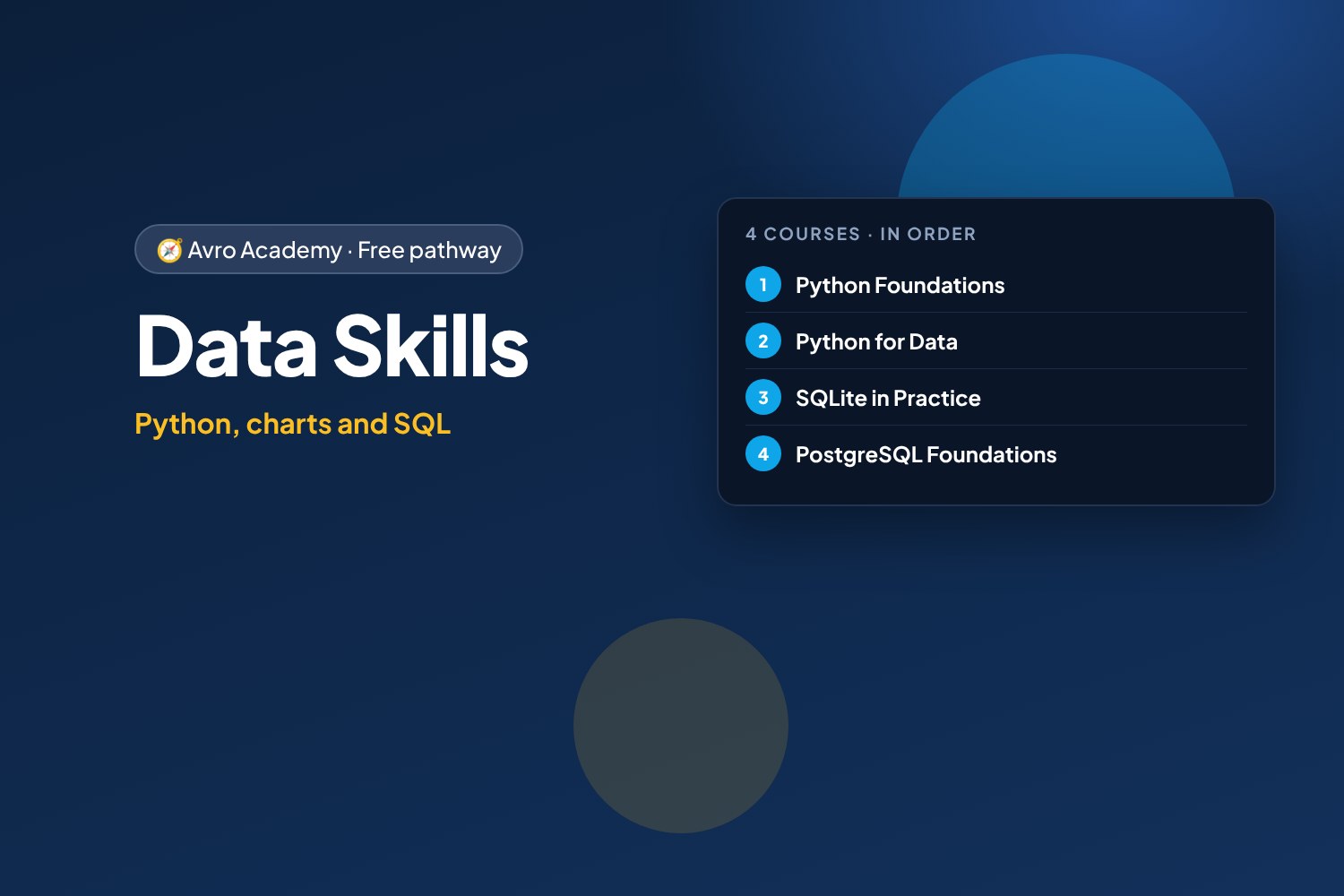
Python, charts and SQL
Turn data into answers: Python for analysis and charts, SQL with SQLite and PostgreSQL, and machine learning to make predictions — the core skills for data and reporting roles.
Free forever — like every pathway and course on Avro Academy: all lessons, quizzes, downloads and your certificates. Our promise
Who it's for
Anyone interested in data analyst, reporting or business intelligence roles, or who wants to do more than a spreadsheet can.
What you'll be able to do
- Clean and analyse data with Python and pandas
- Make clear charts and reports
- Ask questions of data with SQL
- Work with real databases
- Build and test machine learning models
The courses
- Python Foundations: Your First Programs
- Python for Data: Clean, Analyse and Visualise
- SQLite in Practice: Track Your Spending
- PostgreSQL Foundations: Run the Corner Café Database
- Machine Learning Basics with Python
How it works
- Join once, and track your progress across every course in one place, under My learning
- Take the courses in order: each one opens when you finish the one before.
- 5 required courses, about 36.5 hours in total — at your own pace
- You get a certificate for each course, and a pathway certificate when you finish them all
- Completely free
Courses in this pathway
Take these in order: each course opens when the required one before it is complete.
 Python Foundations: Your First ProgramsNot started
Lessons (0 of 32 done)
Module 1: Getting started
- What Python is — and why learn it10 min
- Coding in your browser with Google Colab15 min
- Your first program: print, comments and maths15 min
- Reading error messages (tracebacks)12 min
- Module 1 quiz5 min
Module 2: Values and variables
- Variables12 min
- Numbers and maths15 min
- Strings and f-strings15 min
- Input, booleans and converting types15 min
- Module 2 quiz5 min
Module 3: Making decisions
- if, elif and else15 min
- and, or, not12 min
- Module 3 quiz5 min
Module 4: Lists and loops
- Lists15 min
- Loops: for, range and while15 min
- List comprehensions12 min
- Module 4 quiz5 min
Module 5: Functions
- Writing functions18 min
- Scope and building with functions12 min
- Project: shift pay calculator18 min
- Module 5 quiz5 min
Module 6: Dictionaries and data
- Dictionaries15 min
- Lists of dictionaries: real data15 min
- Module 6 quiz5 min
Module 7: Files, errors and modules
- Reading and writing files15 min
- Handling errors with try and except12 min
- Modules: using code others have written12 min
- Module 7 quiz5 min
Module 8: Projects and next steps
- Project: workplace quiz game25 min
- Project: pay and budget tracker25 min
- Debugging, AI tools and next steps15 min
- Module 8 and final quiz5 min
 Python for Data: Clean, Analyse and VisualiseOpens when the course before it is complete
Lessons (0 of 30 done)
Module 1: Data with Python
- What data work really is10 min
- Colab for data: notebooks and uploading files12 min
- Data with plain Python first15 min
- Module 1 quiz5 min
Module 2: pandas basics
- DataFrames: loading CSV and Excel15 min
- Exploring your data15 min
- Selecting and filtering15 min
- Sorting and new columns12 min
- Module 2 quiz5 min
Module 3: Cleaning messy data
- Finding the problems12 min
- Fixing types: prices, numbers and dates15 min
- Text, missing values, duplicates — and saving20 min
- Module 3 quiz5 min
Module 4: Analysing
- groupby: totals by category, item and staff15 min
- Working with dates: months and weekdays15 min
- Combining tables with merge15 min
- Pivot tables12 min
- Module 4 quiz5 min
Module 5: Visualising
- Bar and line charts15 min
- Histograms and choosing the right chart12 min
- Honest charts12 min
- Module 5 quiz5 min
Module 6: Automating everyday tasks
- Combining many files at once15 min
- Exporting reports to Excel and CSV12 min
- Project: weekly roster hours report20 min
- Module 6 quiz5 min
Module 7: Capstone and next steps
- Capstone: a year at Corner Café30 min
- Real data: open datasets, privacy and ethics12 min
- Next steps in data10 min
- Module 7 and final quiz5 min
 SQLite in Practice: Track Your SpendingOpens when the course before it is complete
Lessons (0 of 20 done)
Module 1: Meet SQLite
- What SQLite is10 min
- Install sqlite3 and DB Browser15 min
- Your first database file20 min
- Module 1 quiz5 min
Module 2: Getting data in
- Import a CSV file20 min
- Clean it into a proper table25 min
- Duplicates from overlapping files20 min
- Module 2 quiz5 min
Module 3: How SQLite is different
- SQLite's flexible types20 min
- Dates and times20 min
- Keys and the foreign keys switch20 min
- Module 3 quiz5 min
Module 4: Answering money questions
- Categorise the spending25 min
- Monthly reports and the budget25 min
- Views and sharing results20 min
- Module 4 quiz5 min
Module 5: Python and beyond
- SQLite from Python25 min
- Adding data safely from Python20 min
- Backups, sharing and choosing a database25 min
- Module 5 and final quiz5 min
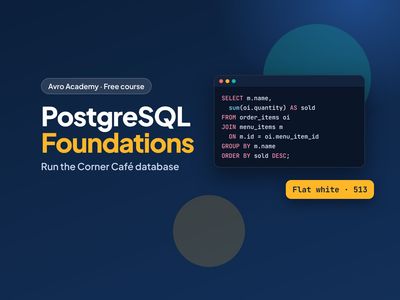 PostgreSQL Foundations: Run the Corner Café DatabaseOpens when the course before it is complete
Lessons (0 of 32 done)
Module 1: Meet PostgreSQL
- What a database is10 min
- Install PostgreSQL20 min
- psql and the café database20 min
- Module 1 quiz5 min
Module 2: Asking questions with SELECT
- Your first queries with SELECT20 min
- Filtering with WHERE25 min
- Sorting and removing duplicates15 min
- Module 2 quiz5 min
Module 3: Summaries
- Counting and totals20 min
- GROUP BY and HAVING25 min
- Dates, times and text25 min
- Module 3 quiz5 min
Module 4: Joins
- Keys: how tables connect20 min
- Joining tables25 min
- LEFT JOIN and joining many tables25 min
- Module 4 quiz5 min
Module 5: Changing data
- Adding rows with INSERT20 min
- Changing and removing rows20 min
- Transactions: your undo button20 min
- Module 5 quiz5 min
Module 6: Designing tables
- Data types20 min
- Creating tables with CREATE TABLE25 min
- Changing tables with ALTER TABLE20 min
- Module 6 quiz5 min
Module 7: More powerful queries
- Subqueries and WITH25 min
- CASE and views20 min
- Indexes and EXPLAIN20 min
- Module 7 quiz5 min
Module 8: Safe and useful
- Users and permissions20 min
- Backups, exports and other tools25 min
- Capstone: the monthly report30 min
- Module 8 and final quiz5 min
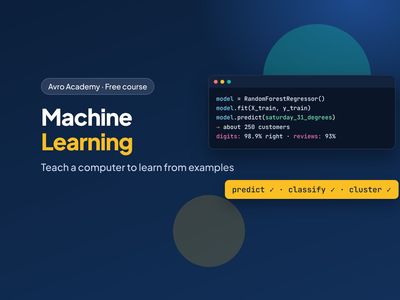 Machine Learning Basics with PythonOpens when the course before it is complete
Lessons (0 of 24 done)
Module 1: Meet machine learning
- What machine learning is20 min
- Set up your tools20 min
- Your first model25 min
- Module 1 quiz5 min
Module 2: Preparing data
- Explore the data first25 min
- Features and labels25 min
- Train and test25 min
- Module 2 quiz5 min
Module 3: Predicting numbers
- Linear regression30 min
- How good is the model?30 min
- Decision trees and random forests35 min
- Module 3 quiz5 min
Module 4: Predicting categories
- Will they come back?30 min
- Accuracy isn't everything35 min
- Reading reviews35 min
- Module 4 quiz5 min
Module 5: Images, groups and good habits
- Recognising handwritten digits30 min
- Finding groups of customers30 min
- Cross-validation and pipelines30 min
- Module 5 quiz5 min
Module 6: Using models responsibly
- Save and use your model30 min
- Using machine learning responsibly25 min
- Where to go next20 min
- Module 6 and final quiz5 min