
Build Your Own AI Chatbot: Understanding and Using LLMs
Understand how large language models work, run one free on your own computer with Ollama, and build a chatbot web app in Python that answers from your own information.
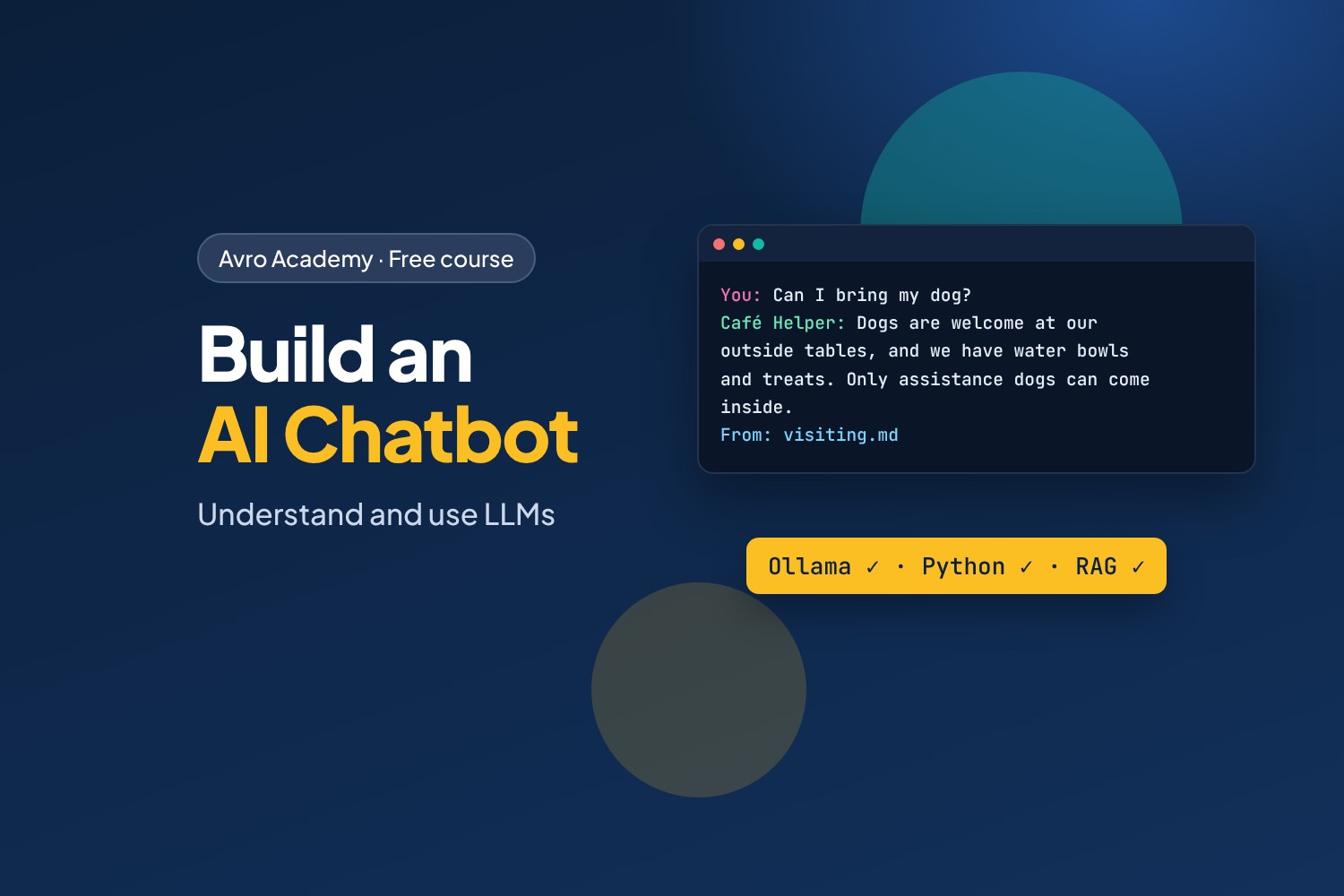
Go from using AI to building with it
Chatbots like ChatGPT, Claude and Gemini are built on large language models (LLMs). Businesses everywhere want people who understand what these models can and can't do, and who can put them to work in real apps. In this course you'll learn how LLMs work in plain language — then build your own chatbot, using a free model that runs on your own computer.
You'll build Café Helper: a chatbot for the website of Corner Café that answers customers' questions about the menu, opening hours, allergies and bookings — from the café's own notes, so it doesn't make things up.
What you'll learn
- How LLMs work: tokens, context windows, temperature, and why they sometimes get things wrong
- Running free, open models on your computer with Ollama — no account, no API key, no cost, and your data stays on your computer
- Talking to a model from Python: messages, roles, conversation memory and streaming
- Building a chat web app with Flask, with replies that appear word by word
- Writing a system prompt that gives your bot a job, a personality and rules
- Making it answer from your own information with embeddings and search (called RAG)
- Testing a chatbot, and keeping it safe from prompt injection
Before you start
You should know some Python — variables, lists, dictionaries, functions and loops; our free Python Foundations course covers it all. You'll need a Windows, Mac or Linux computer with at least 8 GB of memory and about 5 GB of free disk space. A newer computer makes the model answer faster, but you don't need a special graphics card.
How it works
- 6 modules, 18 lessons, about 7½ hours including quizzes
- Every command, program run and AI reply in the lessons was recorded for real
- The finished code for every step, a quiz after each module, a cheat sheet and a certificate
Free forever — like every self-paced course on Avro Academy: all lessons, quizzes, downloads and your certificate. Our promise
Course outline
Module 1: How LLMs work
What a large language model is, tokens, context windows and settings, and what LLMs get wrong.
- What a large language model isFree preview20 min
- Tokens, context and settings20 min
- What LLMs get wrong20 min
- Module 1 quiz5 min
Module 2: Run an LLM on your computer
Installing Ollama, chatting in the terminal, and choosing a model size.
- Installing Ollama20 min
- Chat in the terminal20 min
- Choosing a model25 min
- Module 2 quiz5 min
Module 3: Talking to an LLM from Python
Your first program with the Ollama library, messages, roles and conversation memory, and streaming and settings.
- Your first LLM program25 min
- Messages, roles and memory25 min
- Streaming and settings20 min
- Module 3 quiz5 min
Module 4: Build a chat web app
A Flask chat web app, streaming replies to the browser, and a system prompt with a personality and rules.
- A chat web app30 min
- Streaming replies to the browser25 min
- A personality and rules25 min
- Module 4 quiz5 min
Module 5: Answer from your own notes
Giving the model your information, searching by meaning with embeddings, and answers from the café's notes with sources (RAG).
- Giving the bot your information25 min
- Searching by meaning: embeddings30 min
- Answers from your notes, with sources30 min
- Module 5 quiz5 min
Module 6: Safe, tested and next steps
Testing a chatbot with an evaluation set, prompt injection and safety, and where to go next.
- Testing your chatbot25 min
- Keeping it safe25 min
- Where to go next20 min
- Module 6 and final quiz5 min