
AI Engineer
The next step after AI Builder: chatbots, AI agents with tools and memory, document search you can measure (RAG), and MCP servers that connect AI to real systems — all with free, local models.
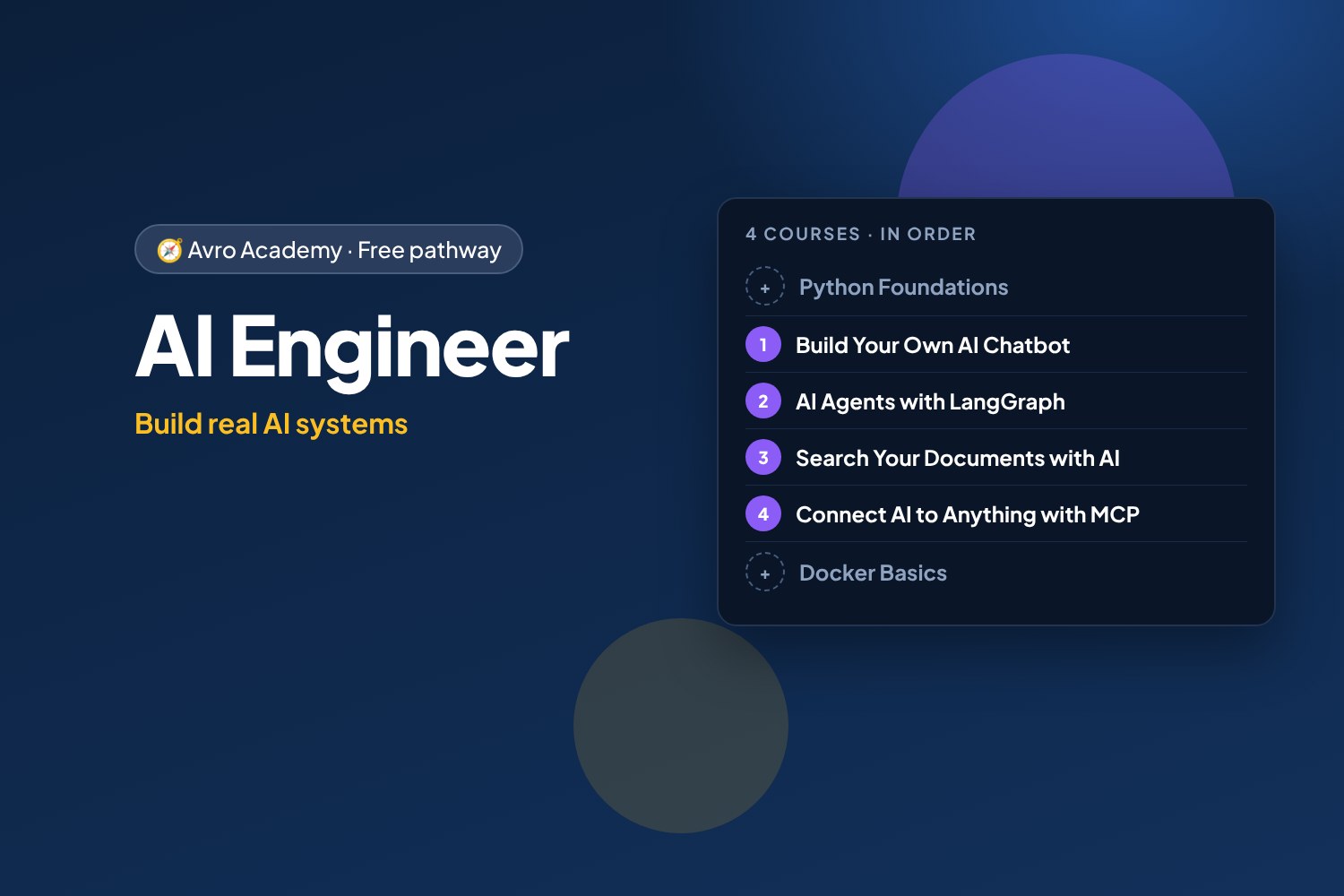
Build real AI systems
The next step after AI Builder: chatbots, AI agents with tools and memory, document search you can measure (RAG), and MCP servers that connect AI to real systems — all with free, local models.
Free forever — like every pathway and course on Avro Academy: all lessons, quizzes, downloads and your certificates. Our promise
Who it's for
Coders who know some Python and want to build the AI systems companies are hiring for.
What you'll be able to do
- Build a chatbot on a free local model
- Build AI agents with tools, memory and human approval
- Search documents with AI and measure the results
- Build MCP servers that connect any AI app to real systems, safely
The courses
- Build Your Own AI Chatbot: Understanding and Using LLMs — Start here if you know some Python
- AI Agents with LangGraph: Café Helper 2.0
- Search Your Documents with AI: RAG in Depth
- Connect AI to Anything with MCP
Optional extras
- Python Foundations: Your First Programs — If you're new to Python
- Machine Learning Basics with Python — The foundations under all AI: predictions from data
- Docker Basics: Containers for Your Apps — To package and run what you build
How it works
- Join once, and track your progress across every course in one place, under My learning
- Take the courses in order: each one opens when you finish the one before.
- 4 required courses, about 32 hours in total — at your own pace
- You get a certificate for each course, and a pathway certificate when you finish them all
- Completely free
Courses in this pathway
Take these in order: each course opens when the required one before it is complete.
Lessons (0 of 32 done)
Module 1: Getting started
- What Python is — and why learn it10 min
- Coding in your browser with Google Colab15 min
- Your first program: print, comments and maths15 min
- Reading error messages (tracebacks)12 min
- Module 1 quiz5 min
Module 2: Values and variables
- Variables12 min
- Numbers and maths15 min
- Strings and f-strings15 min
- Input, booleans and converting types15 min
- Module 2 quiz5 min
Module 3: Making decisions
- if, elif and else15 min
- and, or, not12 min
- Module 3 quiz5 min
Module 4: Lists and loops
- Lists15 min
- Loops: for, range and while15 min
- List comprehensions12 min
- Module 4 quiz5 min
Module 5: Functions
- Writing functions18 min
- Scope and building with functions12 min
- Project: shift pay calculator18 min
- Module 5 quiz5 min
Module 6: Dictionaries and data
- Dictionaries15 min
- Lists of dictionaries: real data15 min
- Module 6 quiz5 min
Module 7: Files, errors and modules
- Reading and writing files15 min
- Handling errors with try and except12 min
- Modules: using code others have written12 min
- Module 7 quiz5 min
Module 8: Projects and next steps
- Project: workplace quiz game25 min
- Project: pay and budget tracker25 min
- Debugging, AI tools and next steps15 min
- Module 8 and final quiz5 min
 Build Your Own AI Chatbot: Understanding and Using LLMs
Start here if you know some Python
Not startedLessons (0 of 24 done)
Module 1: How LLMs work
- What a large language model is20 min
- Tokens, context and settings20 min
- What LLMs get wrong20 min
- Module 1 quiz5 min
Module 2: Run an LLM on your computer
- Installing Ollama20 min
- Chat in the terminal20 min
- Choosing a model25 min
- Module 2 quiz5 min
Module 3: Talking to an LLM from Python
- Your first LLM program25 min
- Messages, roles and memory25 min
- Streaming and settings20 min
- Module 3 quiz5 min
Module 4: Build a chat web app
- A chat web app30 min
- Streaming replies to the browser25 min
- A personality and rules25 min
- Module 4 quiz5 min
Module 5: Answer from your own notes
- Giving the bot your information25 min
- Searching by meaning: embeddings30 min
- Answers from your notes, with sources30 min
- Module 5 quiz5 min
Module 6: Safe, tested and next steps
- Testing your chatbot25 min
- Keeping it safe25 min
- Where to go next20 min
- Module 6 and final quiz5 min
 AI Agents with LangGraph: Café Helper 2.0Opens when the course before it is complete
Lessons (0 of 24 done)
Module 1: Agents and graphs
- What an AI agent is20 min
- Your first graph25 min
- Decisions and loops25 min
- Module 1 quiz5 min
Module 2: The model in a graph
- A model that can use tools25 min
- A chatbot graph20 min
- Workflows: sorting messages25 min
- Module 2 quiz5 min
Module 3: Tools and the agent loop
- Tools25 min
- The agent loop30 min
- Designing good tools30 min
- Module 3 quiz5 min
Module 4: Memory
- Memory: checkpointers and threads25 min
- Memory that lasts25 min
- Looking inside the agent25 min
- Module 4 quiz5 min
Module 5: Humans in the loop
- Bookings wait for staff30 min
- Handing over to a person20 min
- The web app and staff page35 min
- Module 5 quiz5 min
Module 6: Tested, safe and next steps
- Testing agents30 min
- Keeping agents safe25 min
- Where to go next20 min
- Module 6 and final quiz5 min
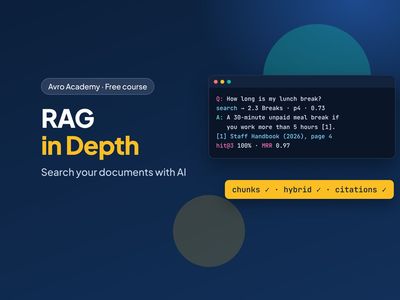 Search Your Documents with AI: RAG in DepthOpens when the course before it is complete
Lessons (0 of 24 done)
Module 1: Real documents
- Why RAG gets hard20 min
- Set up and meet the documents20 min
- Loading PDFs, Word and Markdown30 min
- Module 1 quiz5 min
Module 2: Chunking and metadata
- Why chunk?20 min
- Chunking by structure30 min
- Metadata and versions25 min
- Module 2 quiz5 min
Module 3: A vector database
- A vector database: Chroma30 min
- Searching by meaning25 min
- Where meaning search struggles20 min
- Module 3 quiz5 min
Module 4: Better search, measured
- Keyword search with BM2525 min
- Hybrid search25 min
- Measuring search30 min
- Module 4 quiz5 min
Module 5: Answers you can trust
- Answers with citations30 min
- When the documents don't say25 min
- Checking answers30 min
- Module 5 quiz5 min
Module 6: Ship it
- The web app30 min
- Keeping it up to date and private25 min
- Where to go next20 min
- Module 6 and final quiz5 min
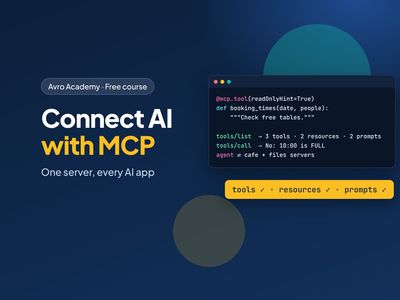 Connect AI to Anything with MCPOpens when the course before it is complete
Lessons (0 of 24 done)
Module 1: Meet MCP
- What MCP is20 min
- Your first MCP server25 min
- How MCP talks20 min
- Module 1 quiz5 min
Module 2: Tools
- The café's tools30 min
- Tools that change things25 min
- Your own MCP client25 min
- Module 2 quiz5 min
Module 3: Resources and prompts
- Resources25 min
- Prompts20 min
- The handbook as a tool25 min
- Module 3 quiz5 min
Module 4: Using MCP from apps and agents
- An agent with MCP tools30 min
- Several servers at once30 min
- Desktop AI apps20 min
- Module 4 quiz5 min
Module 5: Remote, secure and tested
- Servers over HTTP30 min
- MCP security30 min
- Testing MCP servers25 min
- Module 5 quiz5 min
Module 6: Share and next steps
- Sharing your server20 min
- The MCP ecosystem20 min
- Where to go next20 min
- Module 6 and final quiz5 min
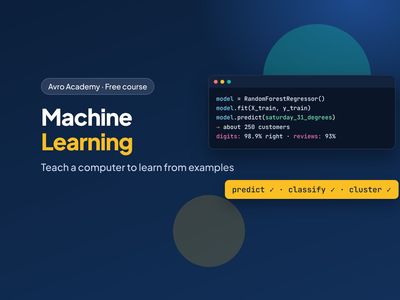 Machine Learning Basics with Python
The foundations under all AI: predictions from data
Opens when the course before it is completeLessons (0 of 24 done)
Module 1: Meet machine learning
- What machine learning is20 min
- Set up your tools20 min
- Your first model25 min
- Module 1 quiz5 min
Module 2: Preparing data
- Explore the data first25 min
- Features and labels25 min
- Train and test25 min
- Module 2 quiz5 min
Module 3: Predicting numbers
- Linear regression30 min
- How good is the model?30 min
- Decision trees and random forests35 min
- Module 3 quiz5 min
Module 4: Predicting categories
- Will they come back?30 min
- Accuracy isn't everything35 min
- Reading reviews35 min
- Module 4 quiz5 min
Module 5: Images, groups and good habits
- Recognising handwritten digits30 min
- Finding groups of customers30 min
- Cross-validation and pipelines30 min
- Module 5 quiz5 min
Module 6: Using models responsibly
- Save and use your model30 min
- Using machine learning responsibly25 min
- Where to go next20 min
- Module 6 and final quiz5 min
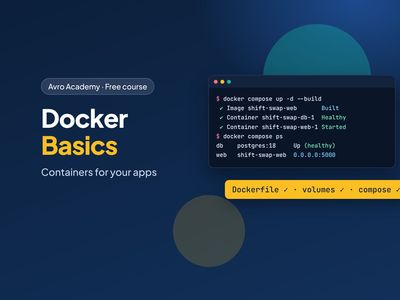 Docker Basics: Containers for Your Apps
To package and run what you build
Opens when the course before it is completeLessons (0 of 24 done)
Module 1: Meet Docker
- What Docker is15 min
- Installing Docker20 min
- Your first containers25 min
- Module 1 quiz5 min
Module 2: Build your own image
- Shift Swap and the Dockerfile25 min
- Build and run your image25 min
- Layers and the build cache20 min
- Module 2 quiz5 min
Module 3: Data and configuration
- Volumes: keep your data25 min
- Bind mounts: share a folder20 min
- Settings and secrets20 min
- Module 3 quiz5 min
Module 4: A production-ready image
- A real web server: gunicorn20 min
- Don't run as root20 min
- Health checks and image size20 min
- Module 4 quiz5 min
Module 5: Docker Compose with PostgreSQL
- Why Docker Compose25 min
- Start the whole stack25 min
- Inside the stack25 min
- Module 5 quiz5 min
Module 6: Share and next steps
- Tags and registries20 min
- Cleaning up and fixing problems25 min
- Where Docker goes next20 min
- Module 6 and final quiz5 min