
Cyber Security Foundations: Protect the Café
Learn how attacks really happen and how to stop them — on your own practice server: passwords and MFA, phishing, firewalls and scans, logs and fail2ban, web app bugs, backups and incident response.
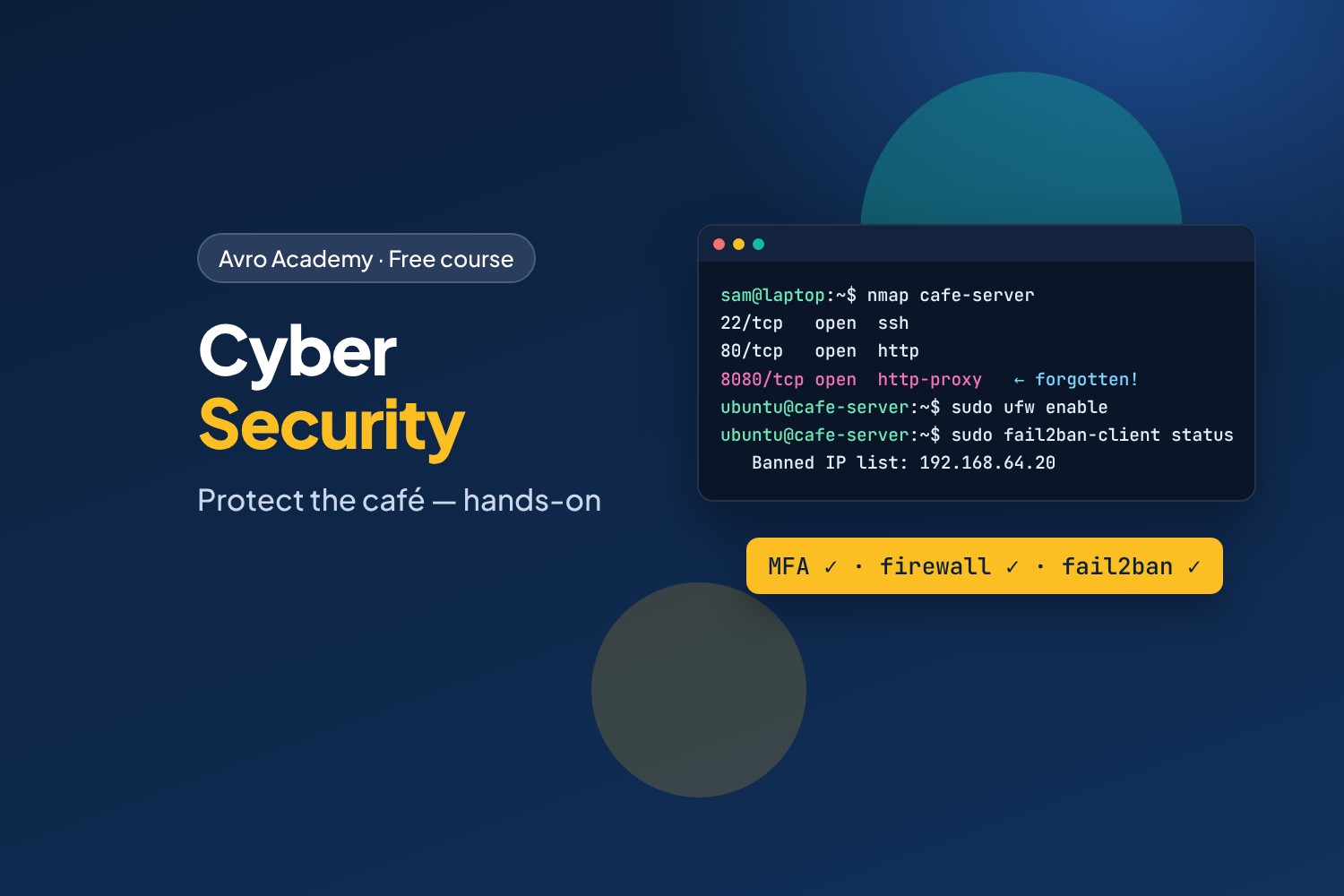
Think like an attacker. Defend like a pro.
Every business with a computer is a target — from big banks to the café on the corner. Most attacks aren't clever: weak passwords, a phishing email, a forgotten server, a missed update. In this course you'll learn to spot and fix those gaps, hands-on, on your own practice server.
You'll take Corner Café's Ubuntu server (from Linux Command Line) and its staff app, find what an attacker would find, and lock it down — cracking weak passwords, scanning for open doors, catching and blocking repeated login attempts, fixing SQL injection and cross-site scripting bugs, and planning what to do when something goes wrong.
What you'll learn
- How attacks happen, and the rules: only ever test systems you own or have permission to test
- Passwords, passphrases, password managers and multi-factor authentication
- Spotting phishing emails and lookalike links
- Least privilege, patching, firewalls and port scanning with
nmap - Reading security logs and blocking attackers with
fail2ban - File integrity checks and backups that survive ransomware
- Common web app bugs — SQL injection, cross-site scripting, leaked secrets — and how to fix them
- Incident response, Australian reporting (ReportCyber, Notifiable Data Breaches) and the Essential Eight
Before you start
You should have done Linux Command Line: Run Your Own Server, or be comfortable at the Linux command line with your own Ubuntu server (a free Multipass server works perfectly). A little Python helps for Module 5.
How it works
- 6 modules, 18 lessons, about 8 hours including quizzes
- Every command and result was recorded for real on an Ubuntu 24.04 practice server
- The lab files, a quiz after each module, a cheat sheet and a certificate
Free forever — like every self-paced course on Avro Academy: all lessons, quizzes, downloads and your certificate. Our promise
Course outline
Module 1: Why security matters
What cyber security is, how attacks happen, the rules, and setting up your practice lab.
- What cyber security isFree preview20 min
- How attacks happen25 min
- Set up your practice lab30 min
- Module 1 quiz5 min
Module 2: People and passwords
How passwords are cracked, passphrases, password managers, MFA, and spotting phishing.
- How passwords get cracked35 min
- Password managers and MFA30 min
- Spotting phishing30 min
- Module 2 quiz5 min
Module 3: Protect the server
Least privilege, patching, scanning with nmap and closing ports with a firewall.
- Least privilege30 min
- Patching and updates25 min
- Scanning and firewalls35 min
- Module 3 quiz5 min
Module 4: Detect attacks
Reading security logs, blocking attackers with fail2ban, checksums, and backups that survive ransomware.
- Reading the security logs30 min
- Blocking attackers with fail2ban30 min
- Spotting changes and surviving ransomware30 min
- Module 4 quiz5 min
Module 5: Web app security
SQL injection, cross-site scripting, secrets in code, HTTPS and security headers — broken and fixed in a practice app.
- SQL injection35 min
- Cross-site scripting (XSS)30 min
- Secrets, HTTPS and security headers30 min
- Module 5 quiz5 min
Module 6: Respond and grow
Incident response and reporting in Australia, the Essential Eight, and careers in cyber security.
- When something goes wrong30 min
- The Essential Eight25 min
- Careers in cyber security20 min
- Module 6 and final quiz5 min