← All pathwaysPathway · Digital & IT
Cyber Security Starter
A hands-on way into cyber security: how networks work, running a Linux server, then protecting it — passwords and MFA, phishing, firewalls, logs, web app bugs and incident response.
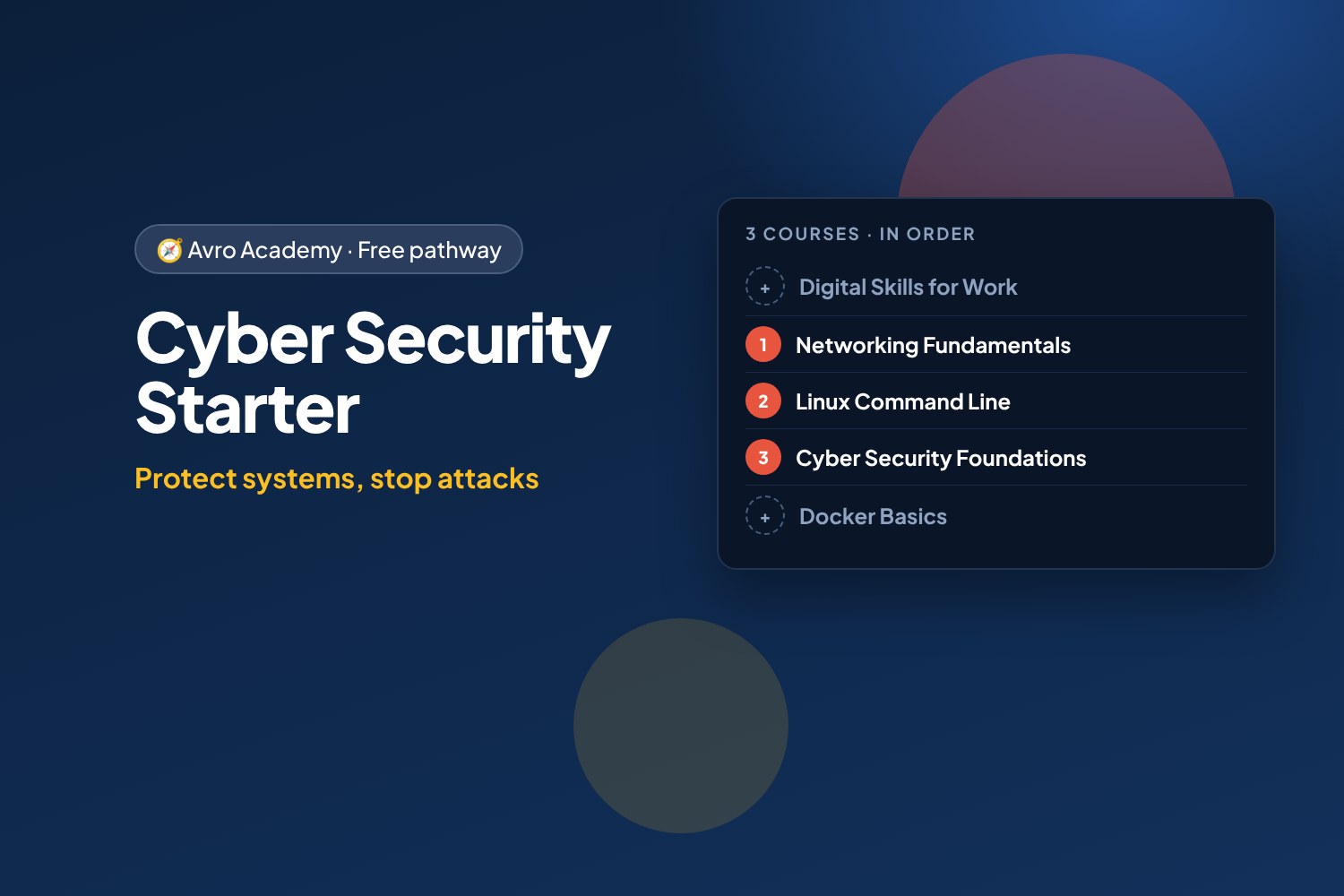
Protect systems, stop attacks
A hands-on way into cyber security: how networks work, running a Linux server, then protecting it — passwords and MFA, phishing, firewalls, logs, web app bugs and incident response.
Free forever — like every pathway and course on Avro Academy: all lessons, quizzes, downloads and your certificates. Our promise
Who it's for
Anyone interested in cyber security, IT support or system administration jobs. No experience needed — start with the networks.
What you'll be able to do
- Explain how networks and the internet work
- Run and secure a Linux server
- Spot phishing, use MFA and password managers
- Find and fix common security weaknesses, and respond to incidents
The courses
- Networking Fundamentals: How the Internet Works
- Linux Command Line: Run Your Own Server
- Cyber Security Foundations: Protect the Café
Optional extras
- Digital Skills for Work — If you're new to workplace tech
- Docker Basics: Containers for Your Apps — Containers are everywhere — and need securing too
How it works
- Join once, and track your progress across every course in one place, under My learning
- Take the courses in order: each one opens when you finish the one before.
- 3 required courses, about 27 hours in total — at your own pace
- You get a certificate for each course, and a pathway certificate when you finish them all
- Completely free
Courses in this pathway
Take these in order: each course opens when the required one before it is complete.
Lessons (0 of 27 done)
Module 1: Digital basics for work
- Welcome: work tech vs phone tech8 min
- Files, folders and naming things well12 min
- Cloud storage and sharing files12 min
- Work faster with keyboard shortcuts10 min
- Module 1 quiz5 min
Module 2: Email, calendars and workplace chat
- Writing a professional email15 min
- Calendars, meetings and being on time10 min
- Workplace chat: Teams, Slack and group messages10 min
- Module 2 quiz5 min
Module 3: Documents and spreadsheets
- Creating tidy documents12 min
- Spreadsheet basics: cells, totals and formulas15 min
- Sorting, filtering and simple charts12 min
- Presentations made simple10 min
- Module 3 quiz5 min
Module 4: Staying safe online
- Strong passphrases and multi-factor authentication12 min
- Spotting phishing and scams15 min
- Privacy and protecting work information10 min
- Module 4 quiz5 min
Module 5: Using AI tools responsibly
- What AI tools can and can't do12 min
- Writing good prompts12 min
- AI at work: privacy, honesty and the rules10 min
- Module 5 quiz5 min
Module 6: Digital professionalism
- Video calls with confidence10 min
- Fixing common tech problems10 min
- Your online presence and digital wellbeing10 min
- Final task: your digital skills checklist12 min
- Module 6 and final quiz5 min
Lessons (0 of 24 done)
Module 1: How networks work
- What a network is15 min
- The journey of a web page20 min
- Your network lab25 min
- Module 1 quiz5 min
Module 2: Addresses
- IP addresses25 min
- Subnets and gateways25 min
- DHCP, MAC addresses and IPv625 min
- Module 2 quiz5 min
Module 3: Names and ports
- DNS: the internet's phone book25 min
- Ports, TCP and UDP25 min
- HTTP and HTTPS20 min
- Module 3 quiz5 min
Module 4: Home and office networks
- Modems, routers, switches and access points20 min
- Wi-Fi20 min
- Setting up a small network safely25 min
- Module 4 quiz5 min
Module 5: Troubleshooting
- A troubleshooting method20 min
- The tools on your computer25 min
- Common problems and fixes25 min
- Module 5 quiz5 min
Module 6: Fix the lab
- Lab faults: the gateway and DNS30 min
- Lab faults: the firewall and the server30 min
- Capstone and next steps20 min
- Module 6 and final quiz5 min
 Linux Command Line: Run Your Own ServerOpens when the course before it is complete
Lessons (0 of 26 done)
Module 1: Meet Linux
- What Linux is20 min
- Set up your own Ubuntu server30 min
- Your first commands25 min
- Module 1 quiz5 min
Module 2: Files and folders
- Finding your way around25 min
- Make, copy, move and delete25 min
- Read and edit text files30 min
- Find files and text25 min
- Module 2 quiz5 min
Module 3: Users and permissions
- Users, groups and sudo30 min
- File permissions30 min
- Module 3 quiz5 min
Module 4: Pipes and scripts
- Pipes and redirection35 min
- Your first shell scripts35 min
- Module 4 quiz5 min
Module 5: Running a server
- Installing software25 min
- Processes and services30 min
- A web server for the café35 min
- Reading the server's logs30 min
- Scheduled jobs with cron30 min
- Module 5 quiz5 min
Module 6: Remote access and security
- SSH and keys40 min
- Checking disk, memory and network25 min
- Securing your server35 min
- Where to go next20 min
- Module 6 and final quiz5 min
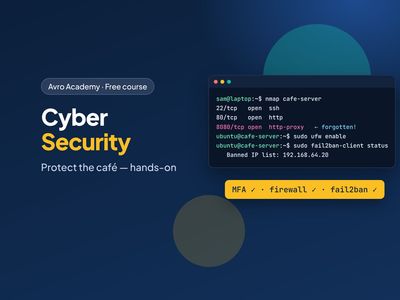 Cyber Security Foundations: Protect the CaféOpens when the course before it is complete
Lessons (0 of 24 done)
Module 1: Why security matters
- What cyber security is20 min
- How attacks happen25 min
- Set up your practice lab30 min
- Module 1 quiz5 min
Module 2: People and passwords
- How passwords get cracked35 min
- Password managers and MFA30 min
- Spotting phishing30 min
- Module 2 quiz5 min
Module 3: Protect the server
- Least privilege30 min
- Patching and updates25 min
- Scanning and firewalls35 min
- Module 3 quiz5 min
Module 4: Detect attacks
- Reading the security logs30 min
- Blocking attackers with fail2ban30 min
- Spotting changes and surviving ransomware30 min
- Module 4 quiz5 min
Module 5: Web app security
- SQL injection35 min
- Cross-site scripting (XSS)30 min
- Secrets, HTTPS and security headers30 min
- Module 5 quiz5 min
Module 6: Respond and grow
- When something goes wrong30 min
- The Essential Eight25 min
- Careers in cyber security20 min
- Module 6 and final quiz5 min
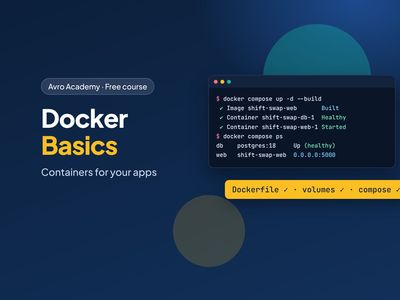 Docker Basics: Containers for Your Apps
Containers are everywhere — and need securing too
Opens when the course before it is completeLessons (0 of 24 done)
Module 1: Meet Docker
- What Docker is15 min
- Installing Docker20 min
- Your first containers25 min
- Module 1 quiz5 min
Module 2: Build your own image
- Shift Swap and the Dockerfile25 min
- Build and run your image25 min
- Layers and the build cache20 min
- Module 2 quiz5 min
Module 3: Data and configuration
- Volumes: keep your data25 min
- Bind mounts: share a folder20 min
- Settings and secrets20 min
- Module 3 quiz5 min
Module 4: A production-ready image
- A real web server: gunicorn20 min
- Don't run as root20 min
- Health checks and image size20 min
- Module 4 quiz5 min
Module 5: Docker Compose with PostgreSQL
- Why Docker Compose25 min
- Start the whole stack25 min
- Inside the stack25 min
- Module 5 quiz5 min
Module 6: Share and next steps
- Tags and registries20 min
- Cleaning up and fixing problems25 min
- Where Docker goes next20 min
- Module 6 and final quiz5 min