
Linux Command Line: Run Your Own Server
Learn the Linux command line on your own free Ubuntu server: files, users and permissions, pipes and scripts, installing software, a web server, scheduled backups, SSH keys and security.
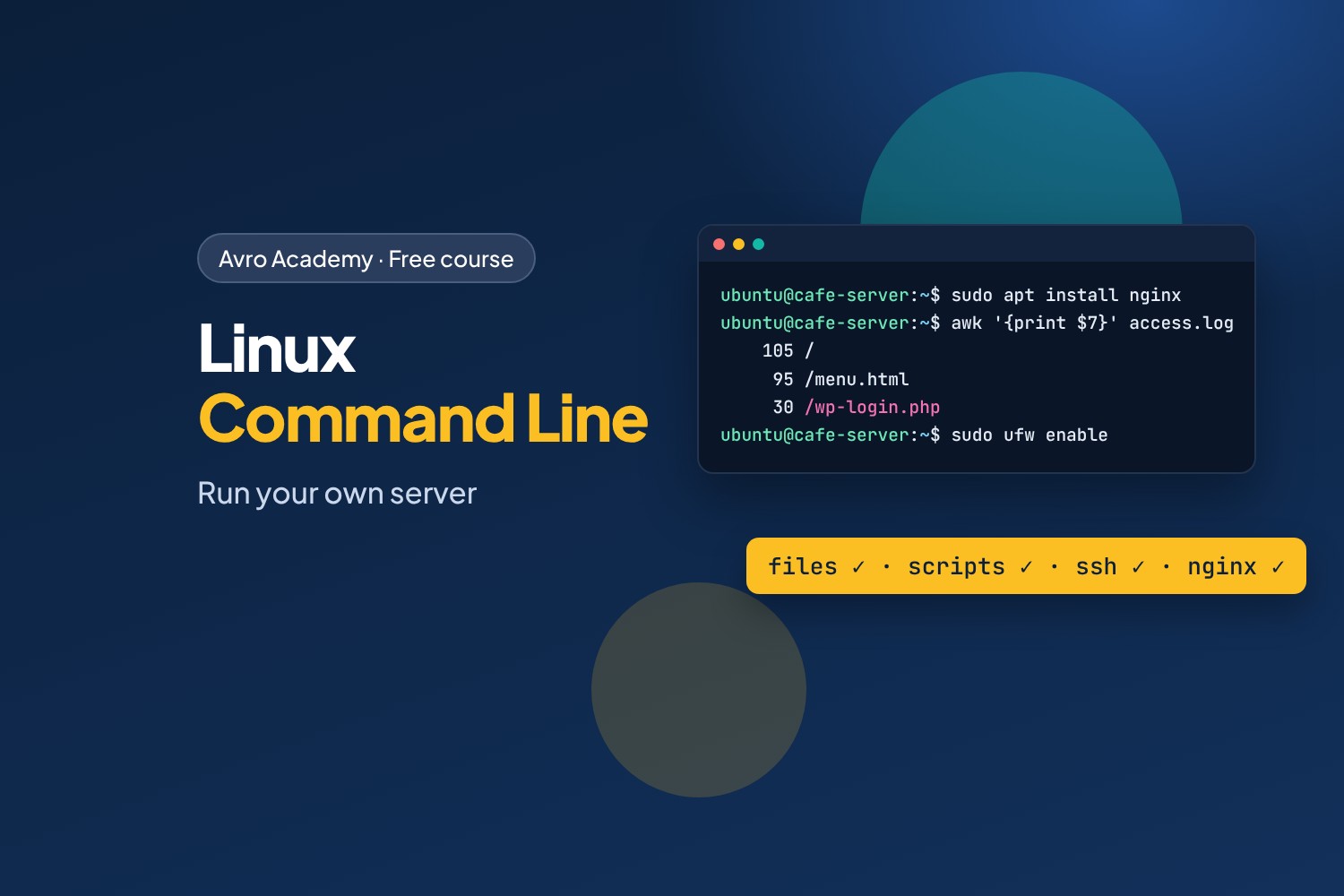
The skill under every server
Most of the internet runs on Linux: web servers, cloud platforms, the phones in our pockets, the routers in our homes. IT support, cloud, DevOps, cyber security and software jobs all expect you to be comfortable at a Linux command line — and it's far less scary than it looks.
In this course you'll set up your own free Ubuntu server and run Corner Café's website on it. You'll manage files, users and permissions, analyse sales with pipes, write a backup script that runs every night, install a web server, read its logs, log in securely with SSH keys and lock it down with a firewall.
What you'll learn
- Moving around and managing files from the command line
- Users, groups,
sudoand permissions - Pipes, redirection and text tools (
grep,sort,uniq,awk) to answer real questions - Shell scripts, and running them on a schedule with
cron - Installing software with
apt, managing processes andsystemdservices - Running the nginx web server and reading its logs
- SSH keys, checking disk, memory and network, and securing a server with a firewall
Before you start
No Linux experience needed. You'll need a computer (Windows, Mac or Linux) where you can install free software — we use Multipass to create a free Ubuntu server on your own computer. Networking Fundamentals is a helpful extra but not required.
How it works
- 6 modules, 20 lessons, about 8 hours including quizzes
- Every command and its output was recorded for real on Ubuntu 24.04 LTS
- The café's practice files, a quiz after each module, a cheat sheet and a certificate
Free forever — like every self-paced course on Avro Academy: all lessons, quizzes, downloads and your certificate. Our promise
Course outline
Module 1: Meet Linux
What Linux is and where it runs, your own Ubuntu server with Multipass, and your first commands.
- What Linux isFree preview20 min
- Set up your own Ubuntu server30 min
- Your first commands25 min
- Module 1 quiz5 min
Module 2: Files and folders
Moving around the file system, making, copying, moving and deleting files, reading and editing text, and finding files and text.
- Finding your way around25 min
- Make, copy, move and delete25 min
- Read and edit text files30 min
- Find files and text25 min
- Module 2 quiz5 min
Module 3: Users and permissions
Accounts, groups and sudo, and controlling who can read, change and run files.
- Users, groups and sudo30 min
- File permissions30 min
- Module 3 quiz5 min
Module 4: Pipes and scripts
Joining commands with pipes, redirecting output and errors, and writing shell scripts including a backup script.
- Pipes and redirection35 min
- Your first shell scripts35 min
- Module 4 quiz5 min
Module 5: Running a server
Installing software with apt, processes and systemd services, the nginx web server, reading logs, and scheduling jobs with cron.
- Installing software25 min
- Processes and services30 min
- A web server for the café35 min
- Reading the server's logs30 min
- Scheduled jobs with cron30 min
- Module 5 quiz5 min
Module 6: Remote access and security
SSH with keys, checking disk, memory and network, securing the server, and where to go next.
- SSH and keys40 min
- Checking disk, memory and network25 min
- Securing your server35 min
- Where to go next20 min
- Module 6 and final quiz5 min