
Prompt Right: Get Great Results from Free AI Tools
Learn to write prompts that get useful, trustworthy results from free AI tools like Claude and Microsoft Copilot — for work, study and job hunting.
The skill everyone needs now
AI chat tools can draft an email in seconds, explain a tricky topic, practise an interview with you or turn messy notes into a plan. But the quality of what you get depends on what you ask and how you ask it. That's prompting — and it's quickly becoming a basic workplace skill.
This course teaches you to prompt well in any AI tool, using two you can use for free: Claude (by Anthropic) and Microsoft Copilot.
What you'll learn
- How AI chat tools work — and why they sometimes get things confidently wrong
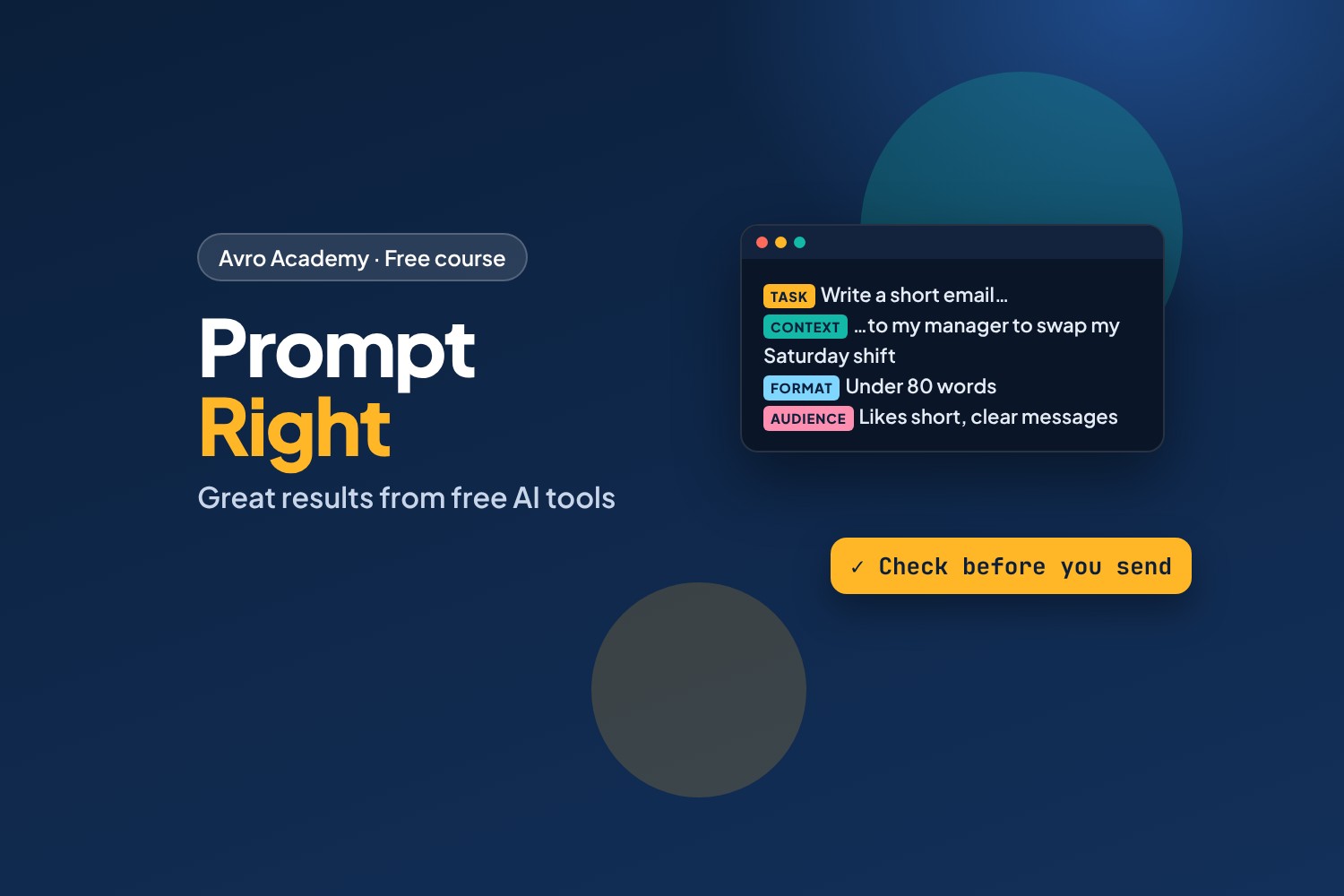
- The parts of a great prompt: task, context, format, audience, examples and limits
- How to improve answers with follow-ups instead of starting again
- Ready-to-use prompts for emails, resumes, interviews, studying, documents, spreadsheets and planning
- What each free tool is best at
- How to check answers, protect your privacy and use AI honestly at school and work
What you'll produce
Your own prompt library: a collection of tested prompts for the things you do most, ready to reuse.
Before you start — age rules
- Claude (claude.ai) is for people aged 18 and over
- Microsoft Copilot (copilot.microsoft.com) is for people aged 13 and over with a Microsoft account (older in some countries)
Every activity works in either tool. Activities that mention Claude are marked, so if you're under 18, use Copilot.
How it works
- 7 modules, 22 lessons, about 5 hours
- Lots of prompts to copy and try — the course shows the prompts, and you see the real answers in your own tool
- A prompt-patterns cheat sheet, a prompt-library template, a quiz after each module and a certificate
Free forever — like every self-paced course on Avro Academy: all lessons, quizzes, downloads and your certificate. Our promise
Course outline
Module 1: How AI chat tools work
What AI chat tools are good and bad at, setting up free Claude and Copilot, and privacy.
- What AI chat tools are (and aren't)Free preview12 min
- Set up free Claude and free Copilot15 min
- What happens to what you type12 min
- Module 1 quiz5 min
Module 2: Anatomy of a great prompt
The 4-part prompt, examples and limits, roles and 'ask me first', and structuring long prompts.
- The 4-part promptFree preview15 min
- Show it what good looks like: examples and limits15 min
- Roles, goals and 'ask me first'15 min
- Long prompts that stay clear15 min
- Module 2 quiz5 min
Module 3: Have a conversation
Follow-ups that work, fixing wrong answers, and using AI for feedback.
- Follow-ups that work12 min
- When it gets it wrong12 min
- Get feedback and improve your own work15 min
- Module 3 quiz5 min
Module 4: Prompts for real life
Writing for work, job hunting, learning, documents and spreadsheets, and planning.
- Writing for work15 min
- Job hunting with AI20 min
- Learning anything15 min
- Documents, notes and spreadsheets15 min
- Ideas, plans and decisions12 min
- Module 4 quiz5 min
Module 5: Free Claude and free Copilot
What each free tool offers, Projects, web answers with links, images, and choosing the right tool.
- Getting the most from free Claude15 min
- Getting the most from free Copilot15 min
- Which tool for which job?12 min
- Module 5 quiz5 min
Module 6: Check it before you use it
Fact-checking and sources, warning signs, and using AI honestly, fairly and safely.
- Check before you trust15 min
- Using AI responsibly15 min
- Module 6 quiz5 min
Module 7: Your prompt library
Build and test a personal library of reusable prompts, and plan your next steps.
- Build your prompt library25 min
- Next steps8 min
- Final quiz5 min