← All pathwaysPathway · Digital & IT
Digital Workplace Skills
The tools every office runs on: email and files, Google Docs, using AI assistants well, and staying safe online — for admin, office and business roles.
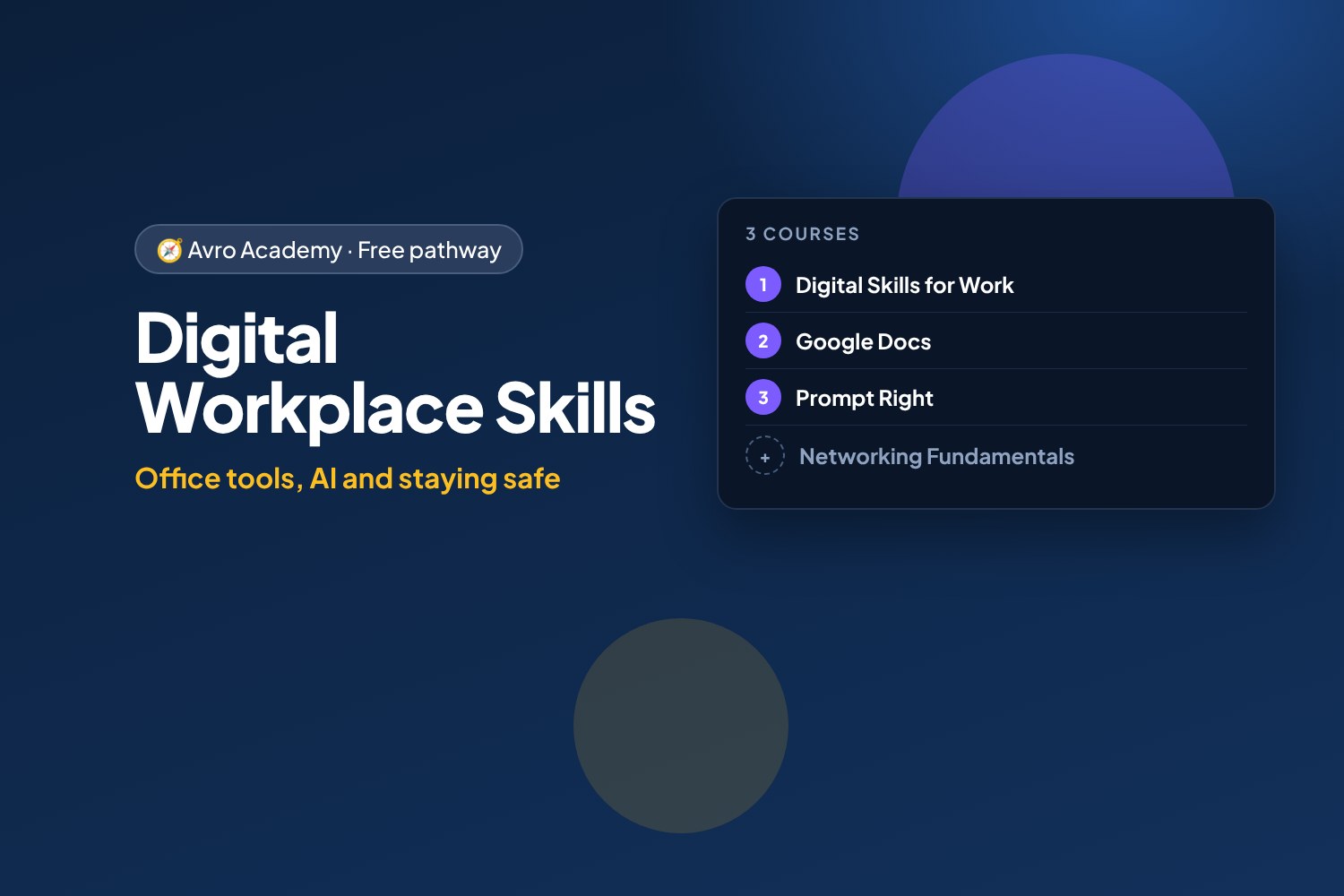
Office tools, AI and staying safe
The tools every office runs on: email and files, Google Docs, using AI assistants well, and staying safe online — for admin, office and business roles.
Free forever — like every pathway and course on Avro Academy: all lessons, quizzes, downloads and your certificates. Our promise
Who it's for
Anyone heading into office, admin, reception or business roles — or who wants to be the person who "gets" the tech at work.
What you'll be able to do
- Work confidently with email, files and video calls
- Create and share professional documents
- Use AI tools to work faster, safely
- Understand networks and Wi-Fi well enough to fix everyday problems
The courses
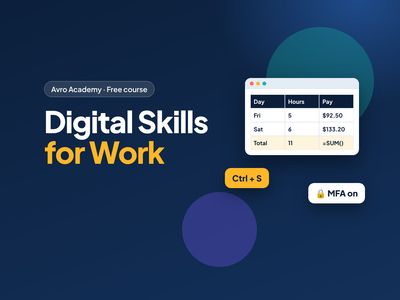
- Digital Skills for Work — Start here
- Google Docs: Beginner to Confident
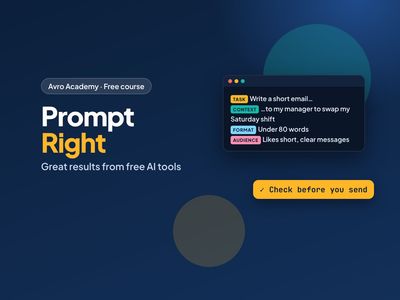
- Prompt Right: Get Great Results from Free AI Tools
Optional extras
- Networking Fundamentals: How the Internet Works — For the person everyone asks when the Wi-Fi drops
- IT on a Budget: Managing Tech Costs for Small Business — For the person who gets handed the IT bills
How it works
- Join once, and track your progress across every course in one place, under My learning
- Take the courses in any order — they all open as soon as you join.
- 3 required courses, about 16.5 hours in total — at your own pace
- You get a certificate for each course, and a pathway certificate when you finish them all
- Completely free
Courses in this pathway
Lessons (0 of 27 done)
Module 1: Digital basics for work
- Welcome: work tech vs phone tech8 min
- Files, folders and naming things well12 min
- Cloud storage and sharing files12 min
- Work faster with keyboard shortcuts10 min
- Module 1 quiz5 min
Module 2: Email, calendars and workplace chat
- Writing a professional email15 min
- Calendars, meetings and being on time10 min
- Workplace chat: Teams, Slack and group messages10 min
- Module 2 quiz5 min
Module 3: Documents and spreadsheets
- Creating tidy documents12 min
- Spreadsheet basics: cells, totals and formulas15 min
- Sorting, filtering and simple charts12 min
- Presentations made simple10 min
- Module 3 quiz5 min
Module 4: Staying safe online
- Strong passphrases and multi-factor authentication12 min
- Spotting phishing and scams15 min
- Privacy and protecting work information10 min
- Module 4 quiz5 min
Module 5: Using AI tools responsibly
- What AI tools can and can't do12 min
- Writing good prompts12 min
- AI at work: privacy, honesty and the rules10 min
- Module 5 quiz5 min
Module 6: Digital professionalism
- Video calls with confidence10 min
- Fixing common tech problems10 min
- Your online presence and digital wellbeing10 min
- Final task: your digital skills checklist12 min
- Module 6 and final quiz5 min
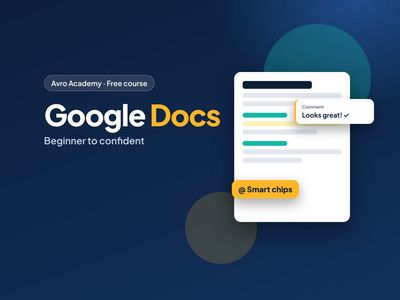 Google Docs: Beginner to ConfidentNot started
Lessons (0 of 34 done)
Module 1: Getting started
- What Google Docs is — and why employers use it8 min
- Creating, opening and renaming documents12 min
- A tour of the screen12 min
- Auto-save, undo and finding your files10 min
- Module 1 quiz5 min
Module 2: Writing and formatting text
- Typing, selecting and editing like a pro10 min
- Fonts, size, bold and colour12 min
- Paragraph styles: titles and headings12 min
- Lists and checklists10 min
- Spacing, alignment, indents and Paint format12 min
- Project: format the café flyer15 min
- Module 2 quiz5 min
Module 3: Structure and layout
- The outline panel and document tabs12 min
- Page setup: pages vs pageless, paper size and margins10 min
- Headers, footers and page numbers10 min
- Table of contents and page breaks10 min
- Module 3 quiz5 min
Module 4: Tables, images, links and smart chips
- Tables12 min
- Images: inserting, wrapping and alt text12 min
- Links and bookmarks8 min
- Smart chips and building blocks15 min
- Module 4 quiz5 min
Module 5: Writing tools
- Spelling, grammar, and find and replace12 min
- Voice typing, word count and other tools10 min
- Gemini in Docs: getting AI help responsibly12 min
- Module 5 quiz5 min
Module 6: Working with others
- Sharing and permissions15 min
- Comments, @mentions and assigning tasks12 min
- Suggesting mode: edit without overwriting10 min
- Version history and named versions10 min
- Module 6 quiz5 min
Module 7: Finishing and sharing your work
- Download, copy, work offline and make templates15 min
- Final project: your resume and a team document20 min
- Module 7 and final quiz5 min
Lessons (0 of 29 done)
Module 1: How AI chat tools work
- What AI chat tools are (and aren't)12 min
- Set up free Claude and free Copilot15 min
- What happens to what you type12 min
- Module 1 quiz5 min
Module 2: Anatomy of a great prompt
- The 4-part prompt15 min
- Show it what good looks like: examples and limits15 min
- Roles, goals and 'ask me first'15 min
- Long prompts that stay clear15 min
- Module 2 quiz5 min
Module 3: Have a conversation
- Follow-ups that work12 min
- When it gets it wrong12 min
- Get feedback and improve your own work15 min
- Module 3 quiz5 min
Module 4: Prompts for real life
- Writing for work15 min
- Job hunting with AI20 min
- Learning anything15 min
- Documents, notes and spreadsheets15 min
- Ideas, plans and decisions12 min
- Module 4 quiz5 min
Module 5: Free Claude and free Copilot
- Getting the most from free Claude15 min
- Getting the most from free Copilot15 min
- Which tool for which job?12 min
- Module 5 quiz5 min
Module 6: Check it before you use it
- Check before you trust15 min
- Using AI responsibly15 min
- Module 6 quiz5 min
Module 7: Your prompt library
- Build your prompt library25 min
- Next steps8 min
- Final quiz5 min
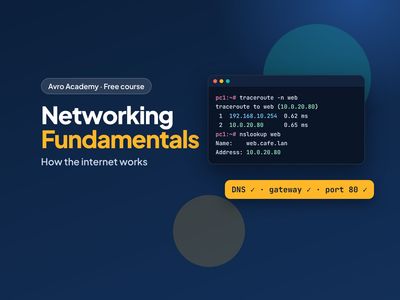 Networking Fundamentals: How the Internet Works
For the person everyone asks when the Wi-Fi drops
Not startedLessons (0 of 24 done)
Module 1: How networks work
- What a network is15 min
- The journey of a web page20 min
- Your network lab25 min
- Module 1 quiz5 min
Module 2: Addresses
- IP addresses25 min
- Subnets and gateways25 min
- DHCP, MAC addresses and IPv625 min
- Module 2 quiz5 min
Module 3: Names and ports
- DNS: the internet's phone book25 min
- Ports, TCP and UDP25 min
- HTTP and HTTPS20 min
- Module 3 quiz5 min
Module 4: Home and office networks
- Modems, routers, switches and access points20 min
- Wi-Fi20 min
- Setting up a small network safely25 min
- Module 4 quiz5 min
Module 5: Troubleshooting
- A troubleshooting method20 min
- The tools on your computer25 min
- Common problems and fixes25 min
- Module 5 quiz5 min
Module 6: Fix the lab
- Lab faults: the gateway and DNS30 min
- Lab faults: the firewall and the server30 min
- Capstone and next steps20 min
- Module 6 and final quiz5 min
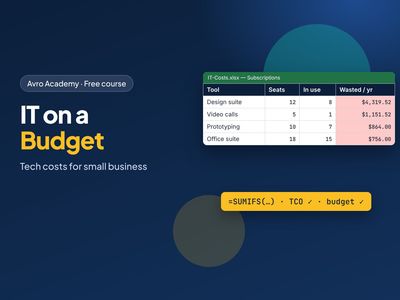 IT on a Budget: Managing Tech Costs for Small Business
For the person who gets handed the IT bills
Not startedLessons (0 of 24 done)
Module 1: Where the money goes
- What counts as IT spending20 min
- Finding IT costs in the bank statement30 min
- One-off vs ongoing, and cost per person25 min
- Module 1 quiz5 min
Module 2: Know what you have
- The asset register25 min
- The subscription register25 min
- Shadow IT: the tools nobody listed20 min
- Module 2 quiz5 min
Module 3: Cut the waste
- Licences vs people: leavers and unused seats35 min
- Overlapping tools and right-sizing plans30 min
- Monthly or annual, and cancelling safely25 min
- Module 3 quiz5 min
Module 4: Buy smart
- Total cost of ownership30 min
- Buy, lease or subscribe20 min
- Getting quotes and negotiating25 min
- Module 4 quiz5 min
Module 5: Plan and budget
- Building a 12-month IT budget35 min
- A device replacement plan25 min
- Presenting it to the boss20 min
- Module 5 quiz5 min
Module 6: Keep it under control
- Spending rules that people follow25 min
- Tax basics: GST credits and the instant asset write-off30 min
- Monthly review, offboarding and where next25 min
- Module 6 and final quiz5 min