
Search Your Documents with AI: RAG in Depth
Build an assistant that answers questions from real PDFs, Word files and policies — with good chunking, a vector database, hybrid search, citations and proper testing.
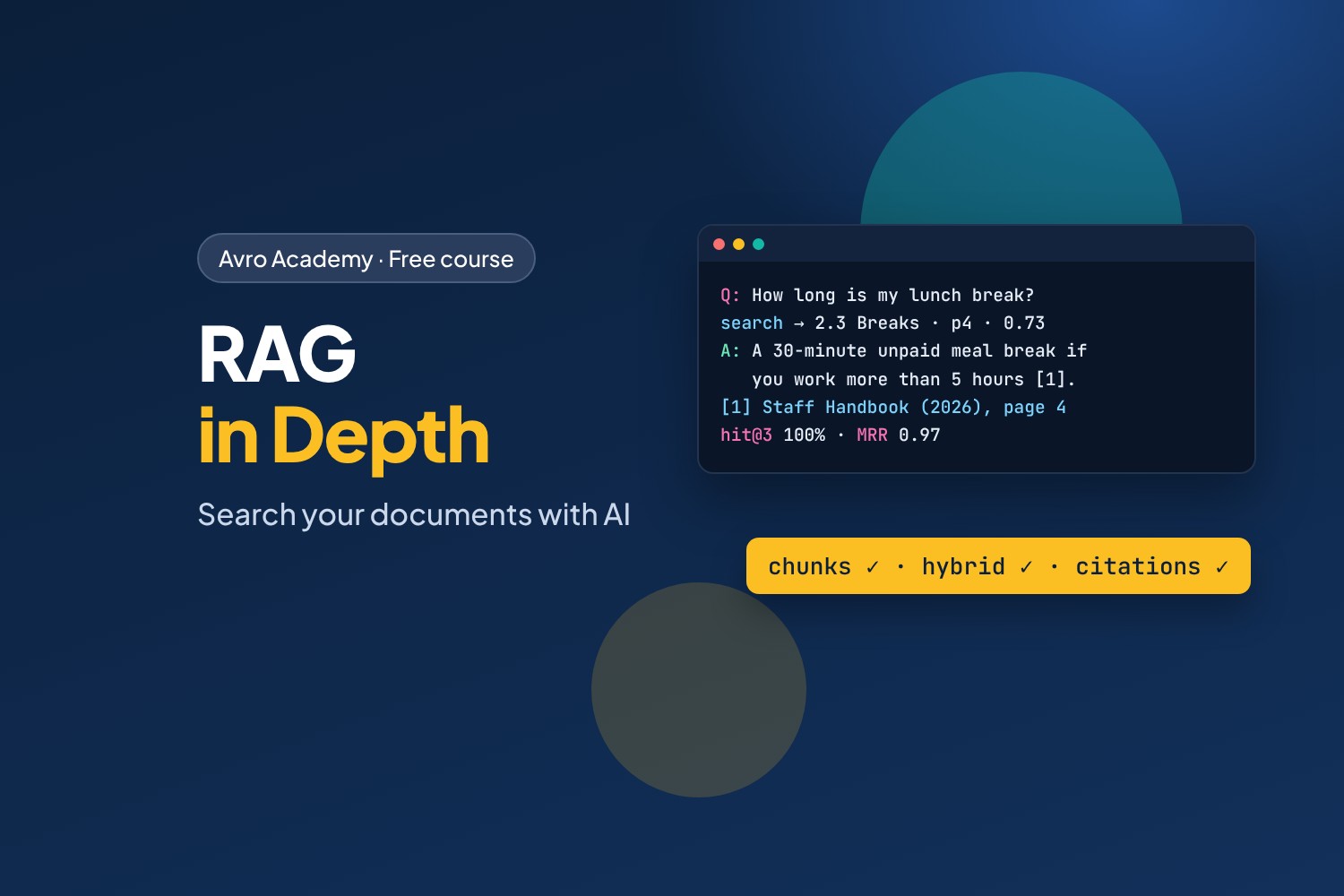
The most common AI project at work
Almost every organisation wants the same thing from AI: "let people ask questions about our documents". Policies, handbooks, manuals, procedures. The technique behind it is RAG — retrieval-augmented generation — and doing it well is one of the most in-demand AI skills.
In Build Your Own AI Chatbot, Café Helper searched five tidy notes. Real documents are messier: PDFs with headers and tables, Word files, old versions that disagree with new ones, and questions that use different words from the documents. In this course you'll build the Corner Café Staff Handbook Assistant — and learn to make RAG work properly, and prove that it does.
What you'll learn
- Loading PDFs, Word and Markdown files and cleaning their text
- Chunking by structure, and why it matters so much
- Metadata: sources, pages, sections, and keeping old versions out
- A real vector database (Chroma)
- Keyword search (BM25) and hybrid search
- Measuring search with an evaluation set: hit rate and MRR
- Answers with citations, saying "I don't know", and checking answers automatically
- A web app that links every answer to the page it came from
Before you start
Finish Build Your Own AI Chatbot first, or be comfortable with Python, Ollama and embeddings. You'll need a computer with at least 8 GB of memory and about 4 GB of free disk space. Everything is free and runs on your own computer.
How it works
- 6 modules, 18 lessons, about 8 hours including quizzes
- Every command, search result and answer in the lessons was recorded for real
- The café's documents, the finished code for every step, a quiz after each module, a cheat sheet and a certificate
Free forever — like every self-paced course on Avro Academy: all lessons, quizzes, downloads and your certificate. Our promise
Course outline
Module 1: Real documents
Why RAG gets hard with real documents, setting up, and loading and cleaning PDFs, Word files and Markdown.
- Why RAG gets hardFree preview20 min
- Set up and meet the documents20 min
- Loading PDFs, Word and Markdown30 min
- Module 1 quiz5 min
Module 2: Chunking and metadata
Why documents are split into chunks, chunking by structure, and metadata for sources and versions.
- Why chunk?20 min
- Chunking by structure30 min
- Metadata and versions25 min
- Module 2 quiz5 min
Module 3: A vector database
Storing chunks in Chroma, searching by meaning with metadata filters, and where meaning search struggles.
- A vector database: Chroma30 min
- Searching by meaning25 min
- Where meaning search struggles20 min
- Module 3 quiz5 min
Module 4: Better search, measured
Keyword search with BM25, hybrid search with Reciprocal Rank Fusion, and measuring search with an evaluation set.
- Keyword search with BM2525 min
- Hybrid search25 min
- Measuring search30 min
- Module 4 quiz5 min
Module 5: Answers you can trust
Answering with numbered citations, saying when the documents don't answer, and checking answers automatically.
- Answers with citations30 min
- When the documents don't say25 min
- Checking answers30 min
- Module 5 quiz5 min
Module 6: Ship it
The web app with linked sources, keeping the index up to date, access control and privacy, and where to go next.
- The web app30 min
- Keeping it up to date and private25 min
- Where to go next20 min
- Module 6 and final quiz5 min