
Software Testing Foundations: Find the Bugs
Learn the job of a software tester: design tests, explore an app, write bug reports developers love, check accessibility and phones — then automate tests with Playwright. Practise on an app with 20 hidden bugs.
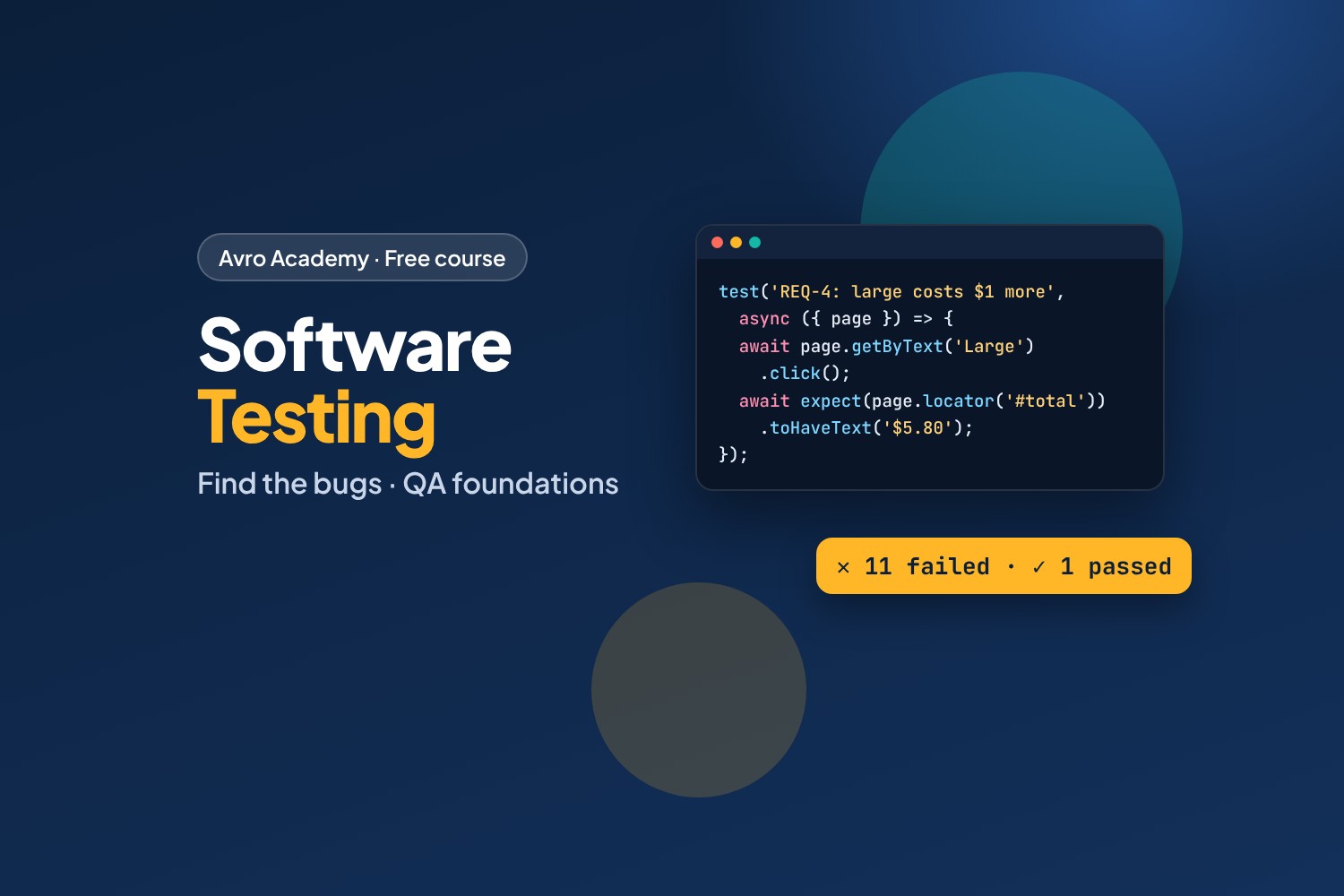
Get paid to find what's broken
Every app, website and system needs testing before people can rely on it. Software testers (also called QA testers, test analysts or QA engineers) make sure software does what it should — and find the problems before customers do. It's a real way into a tech career, and you don't need to be a programmer to start.
In this course you'll test Order Ahead, Corner Café's online ordering app. It looks fine. It isn't: we've hidden 20 bugs in it — wrong totals, broken forms, problems on phones, accessibility gaps and a security hole. Your job is to find them, and report them like a professional.
What you'll learn
- What testers do, and how testing fits into making software
- Read requirements, ask good questions and design test cases — including boundary values and decision tables
- Exploratory testing: charters, heuristics and test sessions
- Write clear bug reports with severity and priority
- Test beyond "does it work": phones, accessibility and security basics
- Test plans, regression and smoke tests, and working in an agile team
- Automate tests with Playwright, the popular free testing tool
What you'll produce
A test plan, test cases, a bug log, exploratory session notes, real bug reports and a set of automated tests — a portfolio you can show employers. At the end, check your bugs against the answer key.
Before you start
No experience needed for Modules 1–6: just a computer with Chrome, Edge or Firefox. Module 7 uses a little JavaScript — JavaScript for Beginners is enough — and you'll install Node.js (free).
How it works
- 7 modules, 21 lessons, about 8 hours including practice and quizzes
- A practice app with 20 planted bugs, its requirements, and templates for test cases, bug logs and test plans
- Every planted bug was checked automatically, and the Playwright output you see was recorded from real test runs
- An answer key and a fixed version of the app at the end
- A quiz after each module, a cheat sheet and a certificate
Free forever — like every self-paced course on Avro Academy: all lessons, quizzes, downloads and your certificate. Our promise
Course outline
Module 1: Meet software testing
What testers do, levels and types of testing, and the practice app.
- What software testers doFree preview15 min
- How software gets tested20 min
- Meet the practice app20 min
- Module 1 quiz5 min
Module 2: Designing tests
Testable requirements and questions, writing test cases, and boundaries, partitions and decision tables.
- Reading requirements and asking questions20 min
- Writing test cases25 min
- Boundaries, partitions and decision tables25 min
- Module 2 quiz5 min
Module 3: Exploratory testing
Charters and sessions, heuristics and tours, and running a session with notes.
- What exploratory testing is15 min
- Heuristics and tours20 min
- Run a test session25 min
- Module 3 quiz5 min
Module 4: Reporting bugs
Writing good bug reports, severity and priority, and reproducing, isolating and gathering evidence.
- Writing a good bug report25 min
- Severity and priority15 min
- Reproduce, isolate and gather evidence25 min
- Module 4 quiz5 min
Module 5: Beyond "it works"
Phones and browsers, accessibility, and security and data.
- Phones, browsers and usability20 min
- Accessibility testing25 min
- Security and data: a tester's mindset20 min
- Module 5 quiz5 min
Module 6: Testing in a team
Test plans and risk, regression and smoke tests and reports, and agile teams and careers.
- Test plans and risk20 min
- Regression, smoke tests and reports20 min
- Testing in an agile team20 min
- Module 6 quiz5 min
Module 7: Automating tests with Playwright
Setting up Playwright, locators and assertions, running and reading results, and the capstone.
- Set up Playwright and your first test30 min
- Locators, assertions and testing requirements30 min
- Run, read the results, and what's next30 min
- Module 7 and final quiz5 min