
← All pathwaysPathway · Coding & software
Software Tester (QA)
A way into tech without being a full-time coder: test apps and websites, write great bug reports, and automate tests with JavaScript and Playwright.
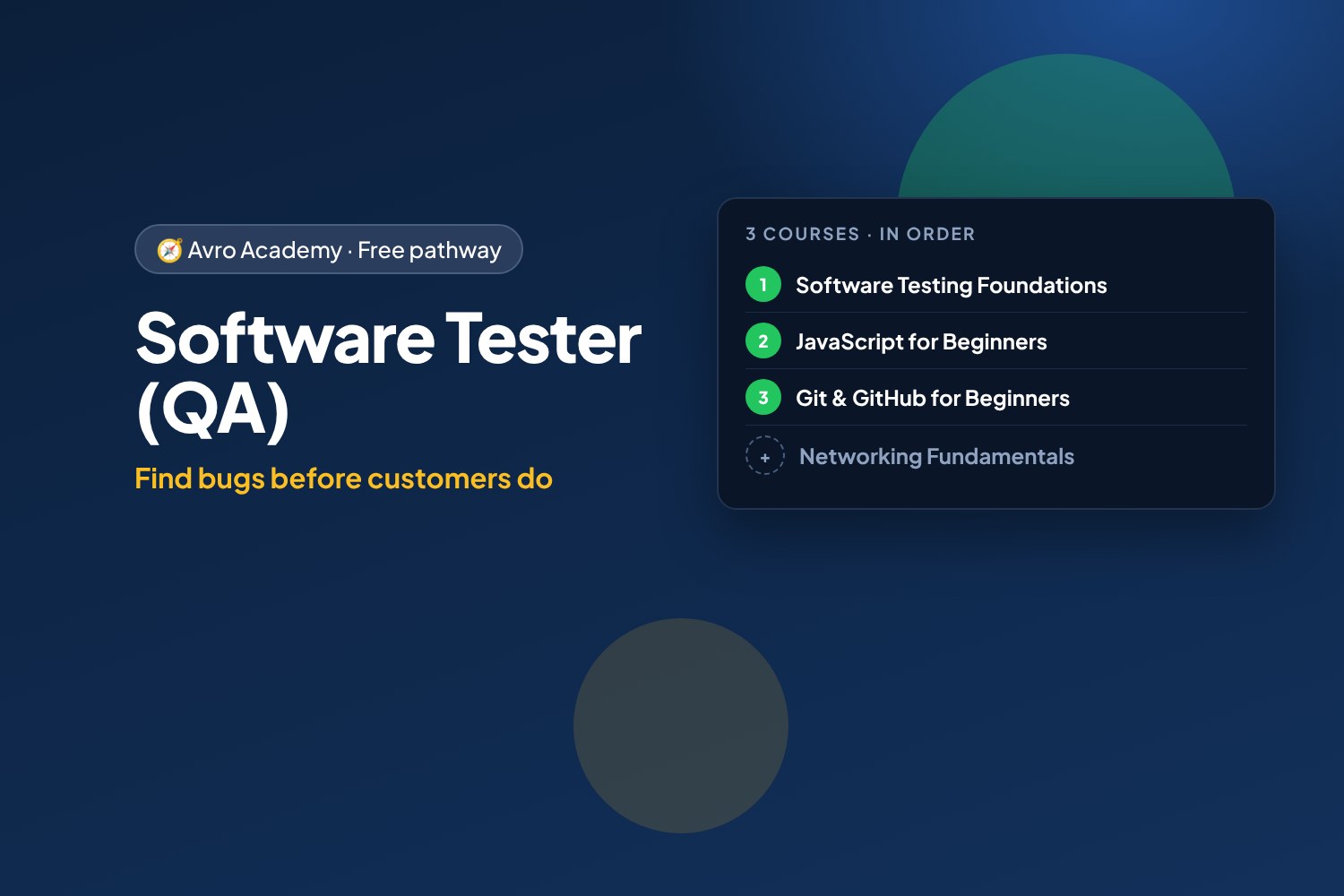
Find bugs before customers do
A way into tech without being a full-time coder: test apps and websites, write great bug reports, and automate tests with JavaScript and Playwright.
Free forever — like every pathway and course on Avro Academy: all lessons, quizzes, downloads and your certificates. Our promise
Who it's for
Detail-minded people who want a way into tech, and anyone interested in QA or software testing jobs.
What you'll be able to do
- Plan and run tests, and write bug reports developers love
- Read and write JavaScript
- Automate browser tests with Playwright
- Use Git like the rest of the team
The courses
- Software Testing Foundations: Find the Bugs — Start here
- JavaScript for Beginners: Code Your First Web Apps
- Git & GitHub for Beginners: Save, Share and Collaborate
Optional extras
- Networking Fundamentals: How the Internet Works — Helps you test apps that talk over the network
How it works
- Join once, and track your progress across every course in one place, under My learning
- Take the courses in order: each one opens when you finish the one before.
- 3 required courses, about 21 hours in total — at your own pace
- You get a certificate for each course, and a pathway certificate when you finish them all
- Completely free
Courses in this pathway
Take these in order: each course opens when the required one before it is complete.
Lessons (0 of 28 done)
Module 1: Meet software testing
- What software testers do15 min
- How software gets tested20 min
- Meet the practice app20 min
- Module 1 quiz5 min
Module 2: Designing tests
- Reading requirements and asking questions20 min
- Writing test cases25 min
- Boundaries, partitions and decision tables25 min
- Module 2 quiz5 min
Module 3: Exploratory testing
- What exploratory testing is15 min
- Heuristics and tours20 min
- Run a test session25 min
- Module 3 quiz5 min
Module 4: Reporting bugs
- Writing a good bug report25 min
- Severity and priority15 min
- Reproduce, isolate and gather evidence25 min
- Module 4 quiz5 min
Module 5: Beyond "it works"
- Phones, browsers and usability20 min
- Accessibility testing25 min
- Security and data: a tester's mindset20 min
- Module 5 quiz5 min
Module 6: Testing in a team
- Test plans and risk20 min
- Regression, smoke tests and reports20 min
- Testing in an agile team20 min
- Module 6 quiz5 min
Module 7: Automating tests with Playwright
- Set up Playwright and your first test30 min
- Locators, assertions and testing requirements30 min
- Run, read the results, and what's next30 min
- Module 7 and final quiz5 min
 JavaScript for Beginners: Code Your First Web AppsOpens when the course before it is complete
Lessons (0 of 34 done)
Module 1: Getting started
- What JavaScript is — and what you can build10 min
- Setting up: the browser console and VS Code15 min
- Your first program15 min
- Reading error messages12 min
- Module 1 quiz5 min
Module 2: Values and variables
- Variables: let and const15 min
- Numbers and maths15 min
- Strings: working with text15 min
- Booleans, comparisons and converting types15 min
- Module 2 quiz5 min
Module 3: Making decisions
- Making decisions with if and else15 min
- Combining conditions: and, or, not15 min
- Module 3 quiz5 min
Module 4: Arrays and loops
- Arrays: lists of data15 min
- Loops: doing things again and again15 min
- Array methods: map, filter and find15 min
- Module 4 quiz5 min
Module 5: Functions
- Functions: reusable blocks of code18 min
- Arrow functions, defaults and scope15 min
- Project: shift pay calculator (console version)20 min
- Module 5 quiz5 min
Module 6: Objects and data
- Objects: grouping related data15 min
- Arrays of objects: working with real data18 min
- JSON: saving and sharing data12 min
- Module 6 quiz5 min
Module 7: JavaScript in the browser
- The DOM: JavaScript meets the web page18 min
- Events: responding to clicks and typing18 min
- Project: shift pay calculator web app25 min
- Project: a to-do list that remembers30 min
- Module 7 quiz5 min
Module 8: Debugging and next steps
- Debugging like a developer15 min
- Using AI coding assistants responsibly15 min
- Next steps: your portfolio and where to go from here15 min
- Module 8 and final quiz5 min
 Git & GitHub for Beginners: Save, Share and CollaborateOpens when the course before it is complete
Lessons (0 of 23 done)
Module 1: Meet Git and GitHub
- What Git and GitHub are10 min
- Your GitHub account, set up safely15 min
- Your first repository, on the website15 min
- Module 1 quiz5 min
Module 2: Git on your computer
- Install Git and set it up15 min
- Your first commits20 min
- Seeing changes and writing good messages15 min
- Undo mistakes and ignore files15 min
- Module 2 quiz5 min
Module 3: Working with GitHub
- Connect to GitHub and push20 min
- Pull and clone15 min
- GitHub Desktop and VS Code12 min
- Module 3 quiz5 min
Module 4: Branches
- Branches: a safe place to try ideas15 min
- Merge conflicts — and how to fix them20 min
- Module 4 quiz5 min
Module 5: Collaborating
- Pull requests20 min
- Issues, forks and contributing15 min
- Module 5 quiz5 min
Module 6: Show your work
- Publish your portfolio with GitHub Pages15 min
- A GitHub profile employers notice12 min
- Next steps8 min
- Module 6 and final quiz5 min
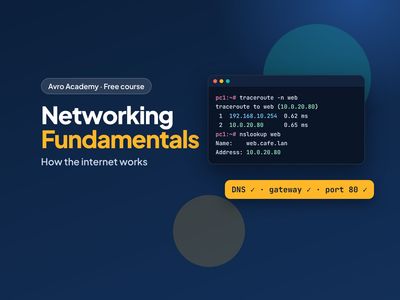 Networking Fundamentals: How the Internet Works
Helps you test apps that talk over the network
Opens when the course before it is completeLessons (0 of 24 done)
Module 1: How networks work
- What a network is15 min
- The journey of a web page20 min
- Your network lab25 min
- Module 1 quiz5 min
Module 2: Addresses
- IP addresses25 min
- Subnets and gateways25 min
- DHCP, MAC addresses and IPv625 min
- Module 2 quiz5 min
Module 3: Names and ports
- DNS: the internet's phone book25 min
- Ports, TCP and UDP25 min
- HTTP and HTTPS20 min
- Module 3 quiz5 min
Module 4: Home and office networks
- Modems, routers, switches and access points20 min
- Wi-Fi20 min
- Setting up a small network safely25 min
- Module 4 quiz5 min
Module 5: Troubleshooting
- A troubleshooting method20 min
- The tools on your computer25 min
- Common problems and fixes25 min
- Module 5 quiz5 min
Module 6: Fix the lab
- Lab faults: the gateway and DNS30 min
- Lab faults: the firewall and the server30 min
- Capstone and next steps20 min
- Module 6 and final quiz5 min