
Connect AI to Anything with MCP
Build your own MCP server in Python so any AI app can use your tools and data — then connect it to a LangGraph agent, desktop AI apps and the web, safely.
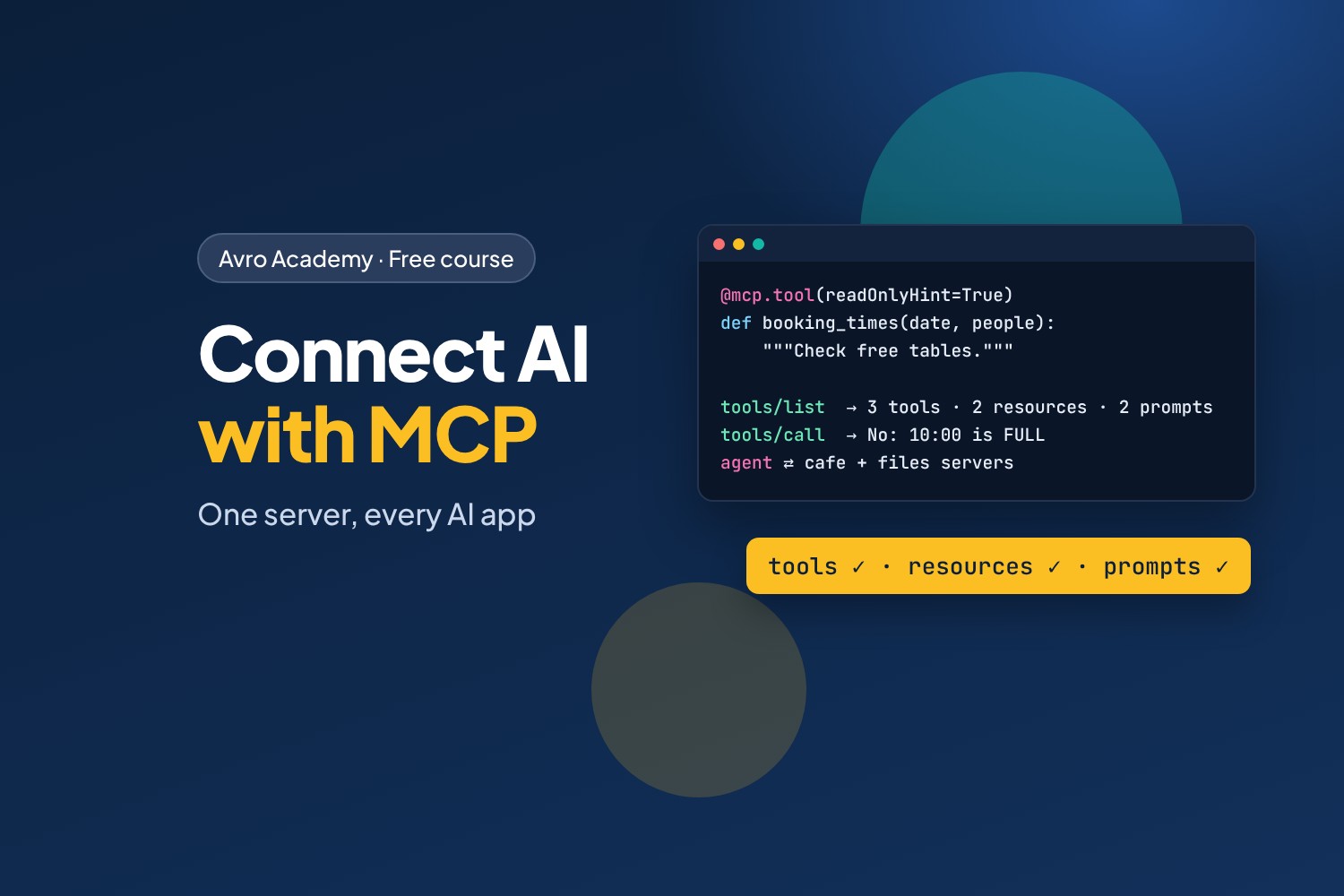
The USB-C of AI
Every AI app needs to reach real information and real systems: your calendar, your database, your documents, your booking system. Before MCP, every app had to build every connection itself. The Model Context Protocol (MCP) is an open standard that fixes this: write a connection once, as an MCP server, and any MCP app can use it — chat apps like Claude, coding tools like VS Code, and the agents you build yourself.
In this course you'll build Corner Café's MCP server: tools to check tables and request bookings, the staff-handbook search from the RAG course, the menu and opening hours as resources, and ready-made prompts. Then you'll use it from your own Python client, a LangGraph agent, desktop AI apps, and over the web — with a token, and with safety in mind.
What you'll learn
- What MCP is: hosts, clients and servers, and tools, resources and prompts
- Building a server in Python with the official SDK, and testing it in the MCP Inspector
- Designing tools: names, descriptions, input schemas, annotations and errors
- Writing your own MCP client
- Giving a LangGraph agent tools from several MCP servers — including ready-made ones
- Connecting desktop AI apps, and running servers over HTTP with a token
- Testing MCP servers, and the security risks to know about
Before you start
You should have done AI Agents with LangGraph (tools and agents) — and ideally RAG in Depth, whose document search becomes one of the server's tools. You'll need Python, Ollama and Node.js (for the MCP Inspector), on a computer with at least 8 GB of memory. Everything is free.
How it works
- 6 modules, 18 lessons, about 7 hours including quizzes
- Every command, tool call, agent run and screenshot in the lessons was recorded for real
- The finished code for every step, a quiz after each module, a cheat sheet and a certificate
Free forever — like every self-paced course on Avro Academy: all lessons, quizzes, downloads and your certificate. Our promise
Course outline
Module 1: Meet MCP
What MCP is and why it matters, your first server tested in the MCP Inspector, and the messages behind it.
- What MCP isFree preview20 min
- Your first MCP server25 min
- How MCP talks20 min
- Module 1 quiz5 min
Module 2: Tools
Designing the café's tools with schemas and annotations, tools that request actions safely, and writing your own MCP client.
- The café's tools30 min
- Tools that change things25 min
- Your own MCP client25 min
- Module 2 quiz5 min
Module 3: Resources and prompts
Resources and resource templates, prompts, and the RAG handbook search as an MCP tool.
- Resources25 min
- Prompts20 min
- The handbook as a tool25 min
- Module 3 quiz5 min
Module 4: Using MCP from apps and agents
A LangGraph agent with MCP tools, combining several servers including ready-made ones, and connecting desktop AI apps.
- An agent with MCP tools30 min
- Several servers at once30 min
- Desktop AI apps20 min
- Module 4 quiz5 min
Module 5: Remote, secure and tested
Running servers over HTTP with a token, MCP security risks and defences, and testing servers with an in-memory client.
- Servers over HTTP30 min
- MCP security30 min
- Testing MCP servers25 min
- Module 5 quiz5 min
Module 6: Share and next steps
Sharing servers as packages, Docker images and hosted services, the MCP ecosystem, and where to go next.
- Sharing your server20 min
- The MCP ecosystem20 min
- Where to go next20 min
- Module 6 and final quiz5 min