
Digital Skills for Work
The everyday tech skills every job expects — files and cloud storage, professional email, documents and spreadsheets, staying safe online and using AI tools responsibly.
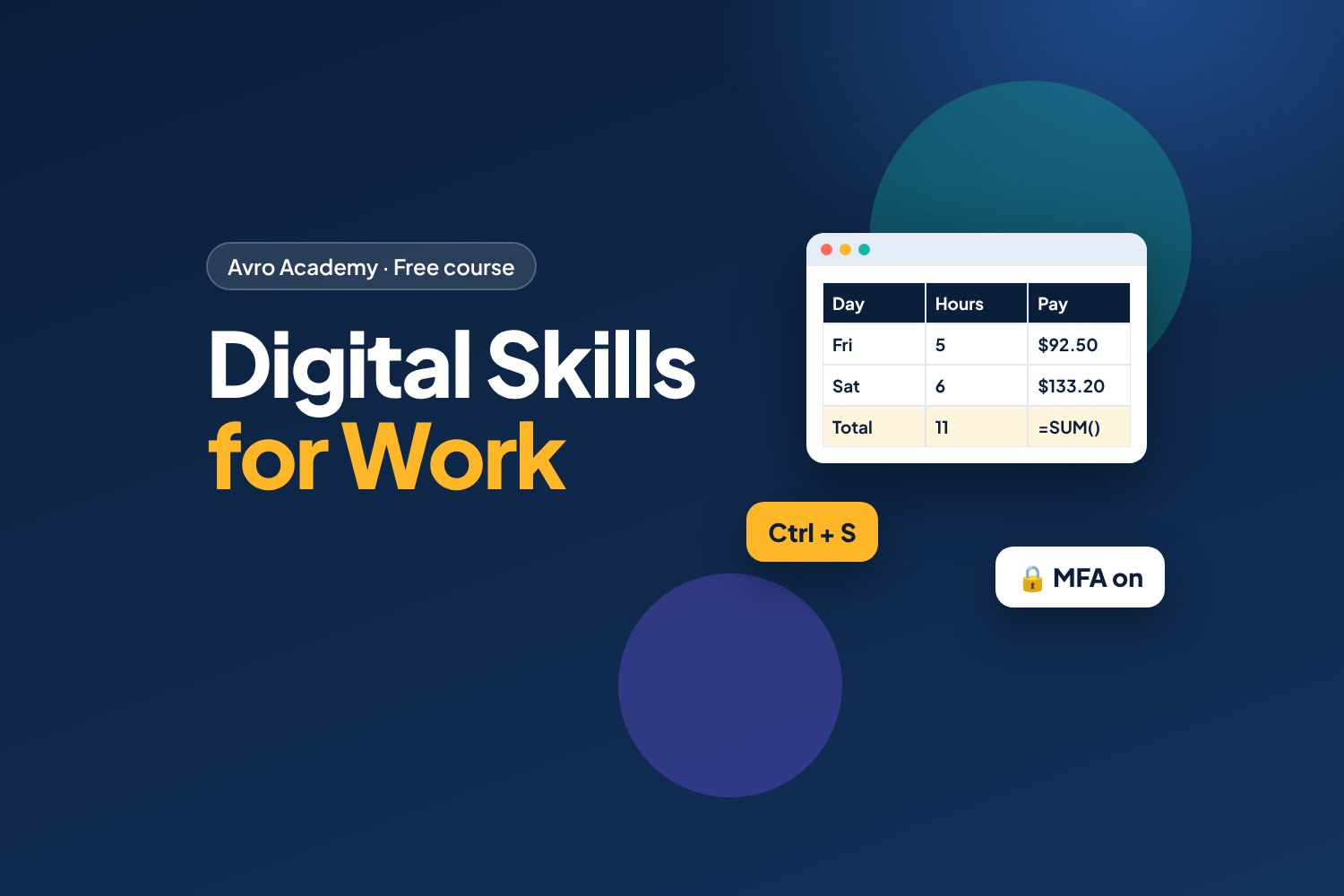
Be confident with the tech every workplace runs on
Almost every job uses technology now — rosters on an app, emails from your manager, a shared spreadsheet of stock, a video call for training. Being comfortable with these tools makes you faster, more reliable and more employable.
You might use your phone every day, but work tech is different. This course fills the gaps.
What you'll learn
- Organise files and folders, and use cloud storage like OneDrive and Google Drive
- Write professional emails, manage a calendar and use workplace chat apps
- Create tidy documents and use spreadsheet basics: totals, sorting and filtering
- Spot phishing and scams, create strong passphrases and protect work data
- Use AI tools like ChatGPT, Copilot and Gemini responsibly at work
- Join video calls confidently and fix common tech problems
Included downloads
- Keyboard shortcuts cheat sheet (Windows, Mac and Google)
- Professional email templates
- Spreadsheet practice workbook (Excel) — with answers
- Cyber safety checklist
How it works
- 6 modules, 21 short lessons — about 10–15 minutes each
- Hands-on "try it" tasks you can do on a laptop, or many on your phone
- A short quiz after each module, and a certificate when you finish
Works with any computer: examples cover Microsoft 365 (Word, Excel, Outlook, Teams) and Google Workspace (Docs, Sheets, Gmail, Meet). Free versions of both are available online.
Part of the Avro Academy job-ready path — alongside Job Ready: Resume to First Shift and Customer Service Essentials.
Go deeper: Google Docs: Beginner to Confident — a step-by-step, screenshot-guided course.
Ready to code? JavaScript for Beginners — build your first web apps.
Free forever — like every self-paced course on Avro Academy: all lessons, quizzes, downloads and your certificate. Our promise
Course outline
Module 1: Digital basics for work
Files and folders, cloud storage and working faster with shortcuts.
- Welcome: work tech vs phone tech8 min
- Files, folders and naming things well12 min
- Cloud storage and sharing files12 min
- Work faster with keyboard shortcuts10 min
- Module 1 quiz5 min
Module 2: Email, calendars and workplace chat
Professional emails, attachments, calendars, meetings and chat apps like Teams.
- Writing a professional emailFree preview15 min
- Calendars, meetings and being on time10 min
- Workplace chat: Teams, Slack and group messages10 min
- Module 2 quiz5 min
Module 3: Documents and spreadsheets
Tidy documents, spreadsheet basics and simple presentations.
- Creating tidy documents12 min
- Spreadsheet basics: cells, totals and formulas15 min
- Sorting, filtering and simple charts12 min
- Presentations made simple10 min
- Module 3 quiz5 min
Module 4: Staying safe online
Passphrases, multi-factor authentication, phishing, scams and protecting work data.
- Strong passphrases and multi-factor authentication12 min
- Spotting phishing and scamsFree preview15 min
- Privacy and protecting work information10 min
- Module 4 quiz5 min
Module 5: Using AI tools responsibly
What AI tools are good (and bad) at, writing good prompts, checking accuracy and workplace rules.
- What AI tools can and can't do12 min
- Writing good prompts12 min
- AI at work: privacy, honesty and the rules10 min
- Module 5 quiz5 min
Module 6: Digital professionalism
Video calls, fixing common tech problems, your online presence and your final task.
- Video calls with confidence10 min
- Fixing common tech problems10 min
- Your online presence and digital wellbeing10 min
- Final task: your digital skills checklist12 min
- Module 6 and final quiz5 min