
← All pathwaysPathway · Digital & IT
IT Support Starter
Get ready for help-desk and IT support roles: workplace tech, how networks work and how to troubleshoot them, running a Linux server, version control, and running software in containers.
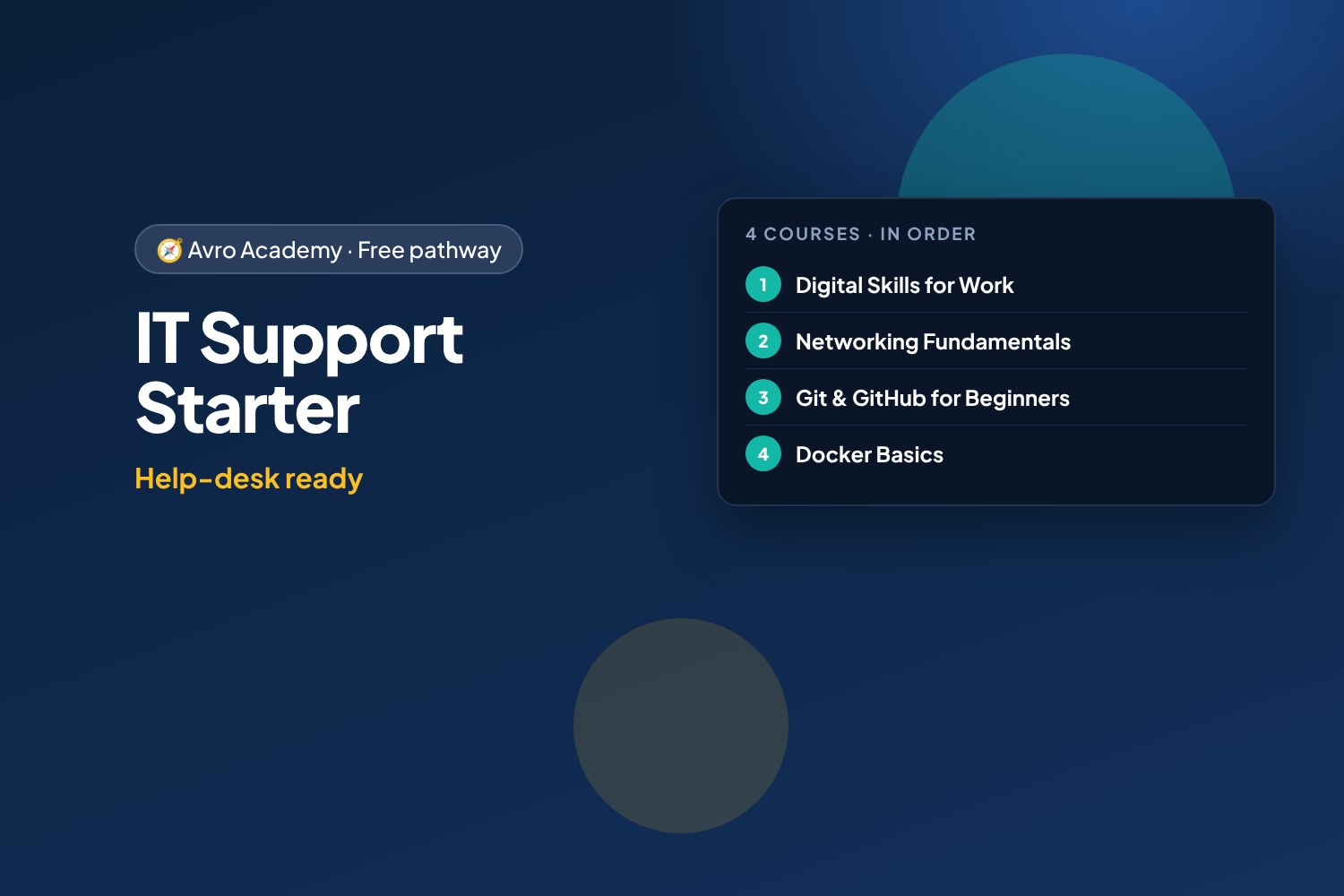
Help-desk ready
Get ready for help-desk and IT support roles: workplace tech, how networks work and how to troubleshoot them, running a Linux server, version control, and running software in containers.
Free forever — like every pathway and course on Avro Academy: all lessons, quizzes, downloads and your certificates. Our promise
Who it's for
People interested in IT support, help desk, desktop support or junior system administrator roles.
What you'll be able to do
- Support people with everyday workplace tech
- Troubleshoot networks with a proven method
- Run and secure a Linux server from the command line
- Track changes to files and scripts with Git
- Run and manage apps in containers with Docker
- Track and cut what a small business spends on IT
The courses
- Digital Skills for Work
- Networking Fundamentals: How the Internet Works
- Linux Command Line: Run Your Own Server
- Git & GitHub for Beginners: Save, Share and Collaborate
- Docker Basics: Containers for Your Apps
Optional extras
- IT on a Budget: Managing Tech Costs for Small Business — Manage what the business spends on tech
How it works
- Join once, and track your progress across every course in one place, under My learning
- Take the courses in order: each one opens when you finish the one before.
- 5 required courses, about 34 hours in total — at your own pace
- You get a certificate for each course, and a pathway certificate when you finish them all
- Completely free
Courses in this pathway
Take these in order: each course opens when the required one before it is complete.
 Digital Skills for WorkNot started
Lessons (0 of 27 done)
Module 1: Digital basics for work
- Welcome: work tech vs phone tech8 min
- Files, folders and naming things well12 min
- Cloud storage and sharing files12 min
- Work faster with keyboard shortcuts10 min
- Module 1 quiz5 min
Module 2: Email, calendars and workplace chat
- Writing a professional email15 min
- Calendars, meetings and being on time10 min
- Workplace chat: Teams, Slack and group messages10 min
- Module 2 quiz5 min
Module 3: Documents and spreadsheets
- Creating tidy documents12 min
- Spreadsheet basics: cells, totals and formulas15 min
- Sorting, filtering and simple charts12 min
- Presentations made simple10 min
- Module 3 quiz5 min
Module 4: Staying safe online
- Strong passphrases and multi-factor authentication12 min
- Spotting phishing and scams15 min
- Privacy and protecting work information10 min
- Module 4 quiz5 min
Module 5: Using AI tools responsibly
- What AI tools can and can't do12 min
- Writing good prompts12 min
- AI at work: privacy, honesty and the rules10 min
- Module 5 quiz5 min
Module 6: Digital professionalism
- Video calls with confidence10 min
- Fixing common tech problems10 min
- Your online presence and digital wellbeing10 min
- Final task: your digital skills checklist12 min
- Module 6 and final quiz5 min
 Networking Fundamentals: How the Internet WorksOpens when the course before it is complete
Lessons (0 of 24 done)
Module 1: How networks work
- What a network is15 min
- The journey of a web page20 min
- Your network lab25 min
- Module 1 quiz5 min
Module 2: Addresses
- IP addresses25 min
- Subnets and gateways25 min
- DHCP, MAC addresses and IPv625 min
- Module 2 quiz5 min
Module 3: Names and ports
- DNS: the internet's phone book25 min
- Ports, TCP and UDP25 min
- HTTP and HTTPS20 min
- Module 3 quiz5 min
Module 4: Home and office networks
- Modems, routers, switches and access points20 min
- Wi-Fi20 min
- Setting up a small network safely25 min
- Module 4 quiz5 min
Module 5: Troubleshooting
- A troubleshooting method20 min
- The tools on your computer25 min
- Common problems and fixes25 min
- Module 5 quiz5 min
Module 6: Fix the lab
- Lab faults: the gateway and DNS30 min
- Lab faults: the firewall and the server30 min
- Capstone and next steps20 min
- Module 6 and final quiz5 min
 Linux Command Line: Run Your Own ServerOpens when the course before it is complete
Lessons (0 of 26 done)
Module 1: Meet Linux
- What Linux is20 min
- Set up your own Ubuntu server30 min
- Your first commands25 min
- Module 1 quiz5 min
Module 2: Files and folders
- Finding your way around25 min
- Make, copy, move and delete25 min
- Read and edit text files30 min
- Find files and text25 min
- Module 2 quiz5 min
Module 3: Users and permissions
- Users, groups and sudo30 min
- File permissions30 min
- Module 3 quiz5 min
Module 4: Pipes and scripts
- Pipes and redirection35 min
- Your first shell scripts35 min
- Module 4 quiz5 min
Module 5: Running a server
- Installing software25 min
- Processes and services30 min
- A web server for the café35 min
- Reading the server's logs30 min
- Scheduled jobs with cron30 min
- Module 5 quiz5 min
Module 6: Remote access and security
- SSH and keys40 min
- Checking disk, memory and network25 min
- Securing your server35 min
- Where to go next20 min
- Module 6 and final quiz5 min
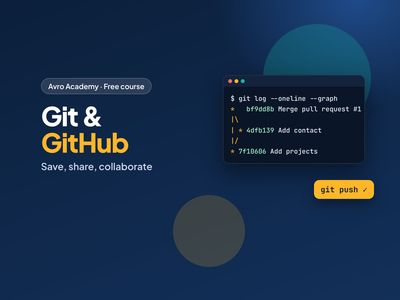 Git & GitHub for Beginners: Save, Share and CollaborateOpens when the course before it is complete
Lessons (0 of 23 done)
Module 1: Meet Git and GitHub
- What Git and GitHub are10 min
- Your GitHub account, set up safely15 min
- Your first repository, on the website15 min
- Module 1 quiz5 min
Module 2: Git on your computer
- Install Git and set it up15 min
- Your first commits20 min
- Seeing changes and writing good messages15 min
- Undo mistakes and ignore files15 min
- Module 2 quiz5 min
Module 3: Working with GitHub
- Connect to GitHub and push20 min
- Pull and clone15 min
- GitHub Desktop and VS Code12 min
- Module 3 quiz5 min
Module 4: Branches
- Branches: a safe place to try ideas15 min
- Merge conflicts — and how to fix them20 min
- Module 4 quiz5 min
Module 5: Collaborating
- Pull requests20 min
- Issues, forks and contributing15 min
- Module 5 quiz5 min
Module 6: Show your work
- Publish your portfolio with GitHub Pages15 min
- A GitHub profile employers notice12 min
- Next steps8 min
- Module 6 and final quiz5 min
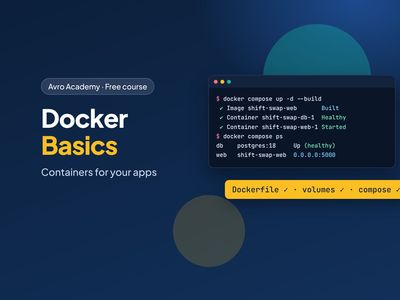 Docker Basics: Containers for Your AppsOpens when the course before it is complete
Lessons (0 of 24 done)
Module 1: Meet Docker
- What Docker is15 min
- Installing Docker20 min
- Your first containers25 min
- Module 1 quiz5 min
Module 2: Build your own image
- Shift Swap and the Dockerfile25 min
- Build and run your image25 min
- Layers and the build cache20 min
- Module 2 quiz5 min
Module 3: Data and configuration
- Volumes: keep your data25 min
- Bind mounts: share a folder20 min
- Settings and secrets20 min
- Module 3 quiz5 min
Module 4: A production-ready image
- A real web server: gunicorn20 min
- Don't run as root20 min
- Health checks and image size20 min
- Module 4 quiz5 min
Module 5: Docker Compose with PostgreSQL
- Why Docker Compose25 min
- Start the whole stack25 min
- Inside the stack25 min
- Module 5 quiz5 min
Module 6: Share and next steps
- Tags and registries20 min
- Cleaning up and fixing problems25 min
- Where Docker goes next20 min
- Module 6 and final quiz5 min
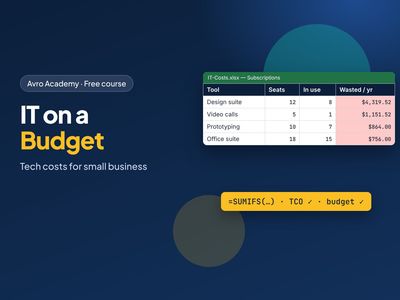 IT on a Budget: Managing Tech Costs for Small Business
Manage what the business spends on tech
Opens when the course before it is completeLessons (0 of 24 done)
Module 1: Where the money goes
- What counts as IT spending20 min
- Finding IT costs in the bank statement30 min
- One-off vs ongoing, and cost per person25 min
- Module 1 quiz5 min
Module 2: Know what you have
- The asset register25 min
- The subscription register25 min
- Shadow IT: the tools nobody listed20 min
- Module 2 quiz5 min
Module 3: Cut the waste
- Licences vs people: leavers and unused seats35 min
- Overlapping tools and right-sizing plans30 min
- Monthly or annual, and cancelling safely25 min
- Module 3 quiz5 min
Module 4: Buy smart
- Total cost of ownership30 min
- Buy, lease or subscribe20 min
- Getting quotes and negotiating25 min
- Module 4 quiz5 min
Module 5: Plan and budget
- Building a 12-month IT budget35 min
- A device replacement plan25 min
- Presenting it to the boss20 min
- Module 5 quiz5 min
Module 6: Keep it under control
- Spending rules that people follow25 min
- Tax basics: GST credits and the instant asset write-off30 min
- Monthly review, offboarding and where next25 min
- Module 6 and final quiz5 min