
Docker Basics: Containers for Your Apps
Package a real web app into a container, keep its data safe, make it production-ready, and run it with a PostgreSQL database using Docker Compose.
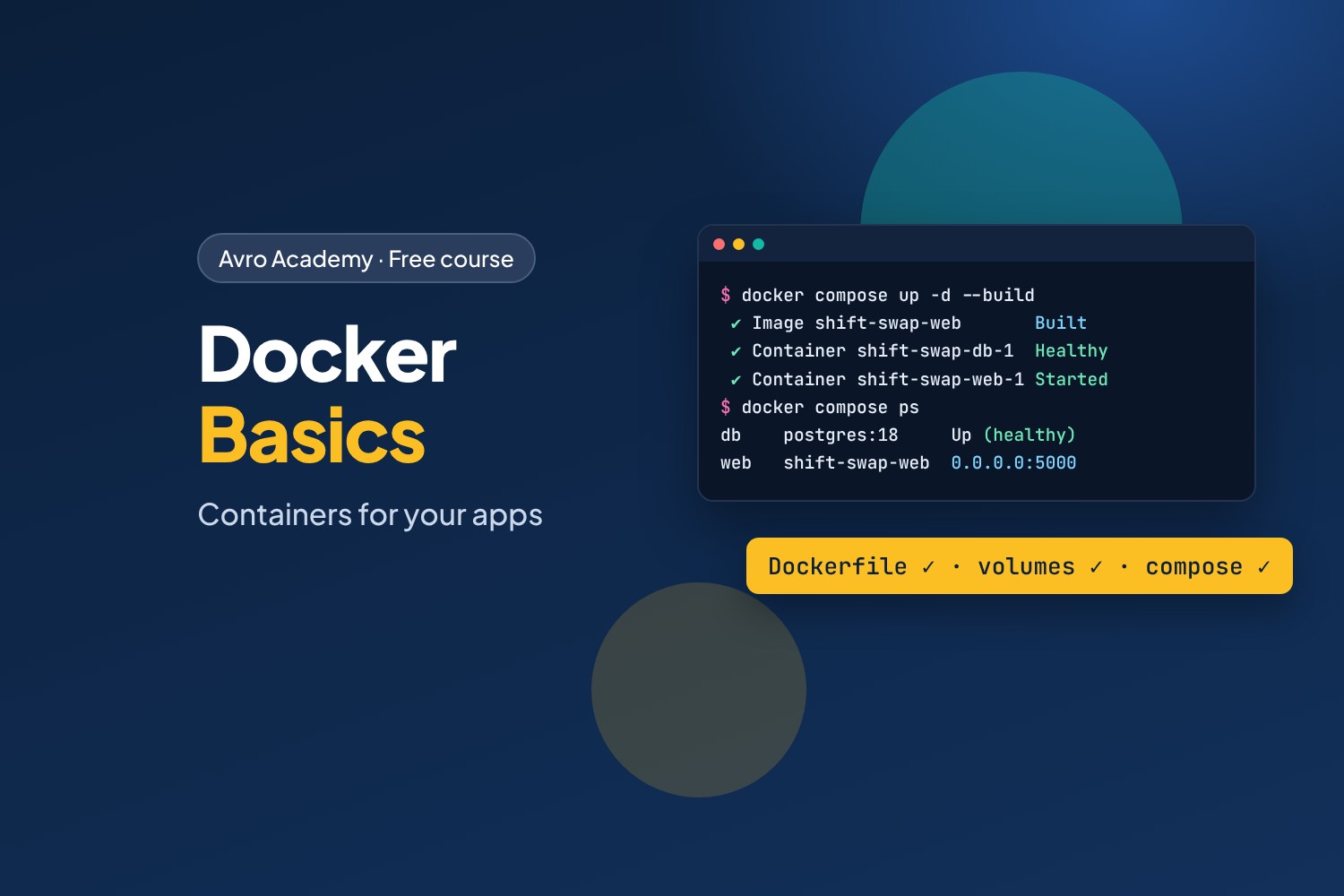
"It works on my computer" — now it works everywhere
Most software teams ship their apps in containers. A container holds an app and everything it needs — the right version of Python, the packages, the settings — so it runs the same on your laptop, a teammate's computer and a server in the cloud. Docker is the tool almost everyone uses to build and run them, and it shows up in job ads for developers, testers, IT support and cloud roles.
In this course you'll take Shift Swap — a small web app where café staff swap shifts, built in our Full-Stack Python course — and containerise it step by step, until it runs with a PostgreSQL database in two containers started by one command.
What you'll learn
- What containers and images are, and how they differ from virtual machines
- Running containers:
docker run,ps,logs,exec, ports - Writing a Dockerfile, building images, and how layers and the build cache work
- Keeping data with volumes, bind mounts, and settings and secrets with environment variables
- A production-ready image: a real web server, a non-root user and a health check
- Docker Compose: the app and PostgreSQL together, with one command
- Tags, registries, cleaning up, and fixing common problems
Before you start
You should be comfortable typing commands in a terminal. Knowing a little Python helps but isn't required — you won't write any Python; the whole app is in the download. You'll need a Windows, Mac or Linux computer where you can install Docker Desktop (free for personal use, learning and small businesses), with at least 8 GB of memory and a few GB of free disk space.
How it works
- 6 modules, 18 lessons, about 7 hours including quizzes
- Every command and result in the lessons was recorded from Docker for real
- The app and the finished files for every step, a quiz after each module, a cheat sheet and a certificate
Free forever — like every self-paced course on Avro Academy: all lessons, quizzes, downloads and your certificate. Our promise
Course outline
Module 1: Meet Docker
What containers and images are, installing Docker Desktop, and running your first containers.
- What Docker isFree preview15 min
- Installing Docker20 min
- Your first containers25 min
- Module 1 quiz5 min
Module 2: Build your own image
The Shift Swap app, writing a Dockerfile and .dockerignore, building and running an image, and layers and the build cache.
- Shift Swap and the Dockerfile25 min
- Build and run your image25 min
- Layers and the build cache20 min
- Module 2 quiz5 min
Module 3: Data and configuration
Volumes to keep data, bind mounts to share folders, and settings and secrets in environment variables.
- Volumes: keep your data25 min
- Bind mounts: share a folder20 min
- Settings and secrets20 min
- Module 3 quiz5 min
Module 4: A production-ready image
A real web server with gunicorn, running as a non-root user, health checks, restart policies and image size.
- A real web server: gunicorn20 min
- Don't run as root20 min
- Health checks and image size20 min
- Module 4 quiz5 min
Module 5: Docker Compose with PostgreSQL
Running the app and a PostgreSQL database together with Docker Compose: the compose file, starting the stack, service names, and keeping data.
- Why Docker Compose25 min
- Start the whole stack25 min
- Inside the stack25 min
- Module 5 quiz5 min
Module 6: Share and next steps
Tags and registries, cleaning up, troubleshooting common problems, and where Docker goes next.
- Tags and registries20 min
- Cleaning up and fixing problems25 min
- Where Docker goes next20 min
- Module 6 and final quiz5 min