
Advanced Git & GitHub: Work Like a Pro Team
Go beyond add, commit and push: understand how Git works inside, undo anything, keep a clean history, use power tools like bisect, and automate testing with GitHub Actions.
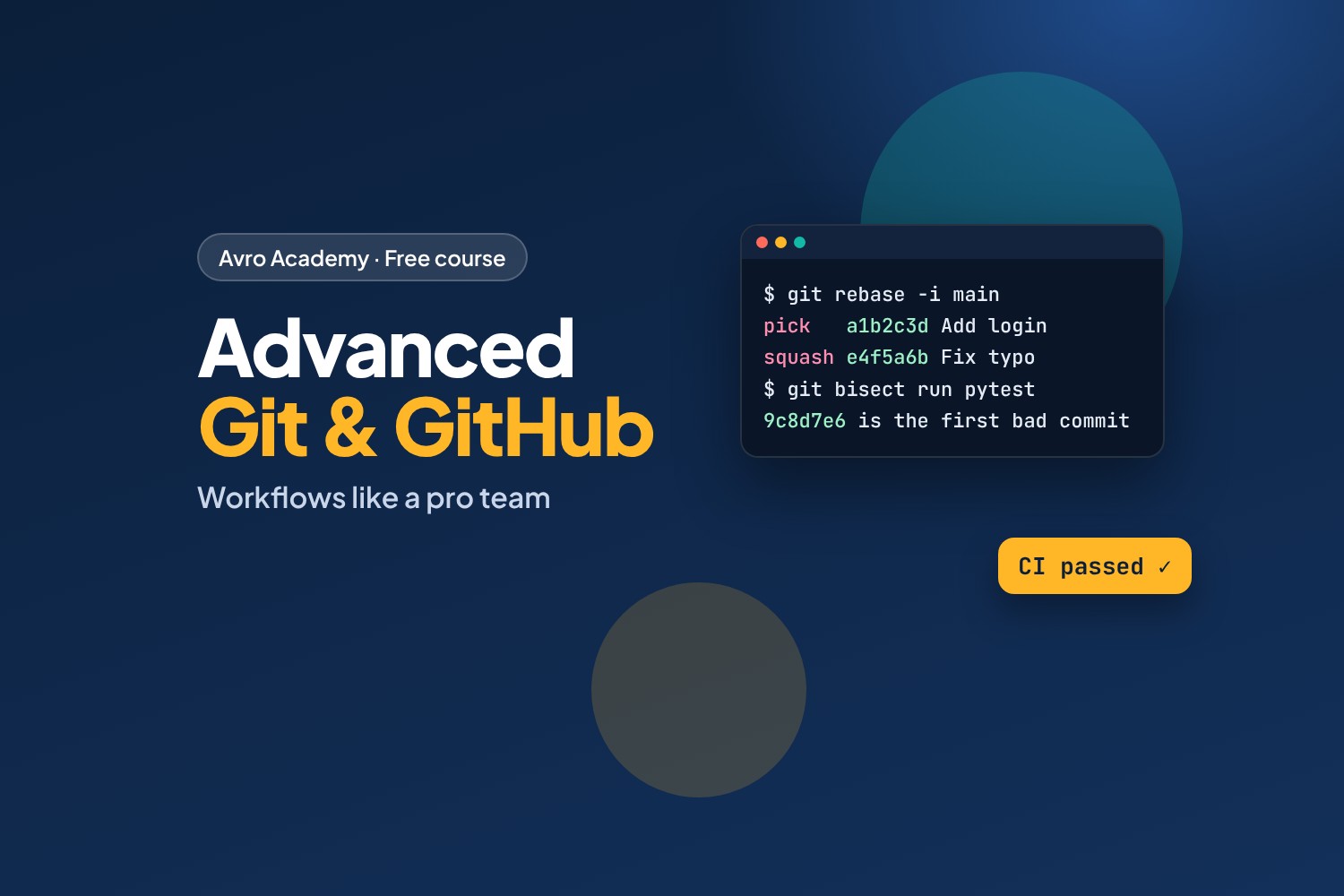
From "it works on my laptop" to working like a professional team
You know how to commit, push, branch and open pull requests. This course teaches the skills that make people the Git expert on their team — and that come up in technical interviews.
What you'll learn
- How Git really works: objects, snapshots, HEAD and branches as pointers
- Undo anything: amend, revert, the three kinds of reset, and rescuing "lost" work with the reflog
- Clean history: rebase, interactive rebase, fixup commits and safe force-pushing
- Power tools: stash, cherry-pick, tags, searching history, and
git bisectto find the commit that broke something - Team workflows: GitHub Flow, protected branches, PR templates and code owners
- GitHub Actions: run your tests automatically on every pull request
- Security and open source: what to do if you leak a secret, Dependabot, and licences
Before you start
Finish Git & GitHub for Beginners first, or be comfortable with commit, push, pull, branches and pull requests. The GitHub Actions module uses the Shift Swap app from Full-Stack Python (it's in the starter files, so you don't need to have done that course). You'll need Git and Python 3 installed.
How it works
- 7 modules, 21 lessons, about 5 hours plus practice
- A practice repository with real history (and a hidden bug to hunt down). It's built so your commit IDs match the lessons exactly
- Every command in the lessons was really run, with its real output
- Ready-to-use workflow, Dependabot, CODEOWNERS and PR template files
- A quiz after each module and a certificate
Free forever — like every self-paced course on Avro Academy: all lessons, quizzes, downloads and your certificate. Our promise
Course outline
Module 1: How Git really works
Objects and snapshots, branches and HEAD as pointers, and remote-tracking branches.
- Commits are snapshots: Git's objectsFree preview15 min
- Branches and HEAD are just pointers15 min
- Remotes: fetch, pull and origin/main15 min
- Module 1 quiz5 min
Module 2: Undo anything
Amend and revert, the three kinds of reset, and rescuing work with the reflog.
- Amend and revert15 min
- Reset: soft, mixed and hard20 min
- The reflog: rescuing 'lost' work15 min
- Module 2 quiz5 min
Module 3: Clean history
Rebase, interactive rebase with fixup commits, and force-pushing safely.
- Rebase vs merge20 min
- Interactive rebase and fixup commits20 min
- Force-pushing safely15 min
- Module 3 quiz5 min
Module 4: Power tools
Stash, cherry-pick, bisect, tags and releases, and searching history.
- Stash and cherry-pick15 min
- git bisect: find the commit that broke it20 min
- Tags and releases12 min
- Searching history: log, blame and pickaxe15 min
- Module 4 quiz5 min
Module 5: Team workflows
GitHub Flow, rulesets for main, PR templates, code owners and great commit messages.
- GitHub Flow and protected branchesFree preview15 min
- Pull request templates and code owners12 min
- Commit messages and history teams love12 min
- Module 5 quiz5 min
Module 6: GitHub Actions
Continuous integration for the Shift Swap app, secrets, Dependabot and badges.
- Your first GitHub Actions workflow20 min
- Secrets, Dependabot and status badges15 min
- Module 6 quiz5 min
Module 7: Security, open source and capstone
Responding to leaked secrets, licences and contributing, and a team capstone project.
- Leaked a secret? What to do20 min
- Open source: licences and contributing15 min
- Capstone: run a team project like pros20 min
- Module 7 and final quiz5 min