
IT on a Budget: Managing Tech Costs for Small Business
Find out where a small business's IT money really goes, cut the waste, buy smarter and build next year's budget — in Excel or Google Sheets, with a real-looking design studio's numbers.
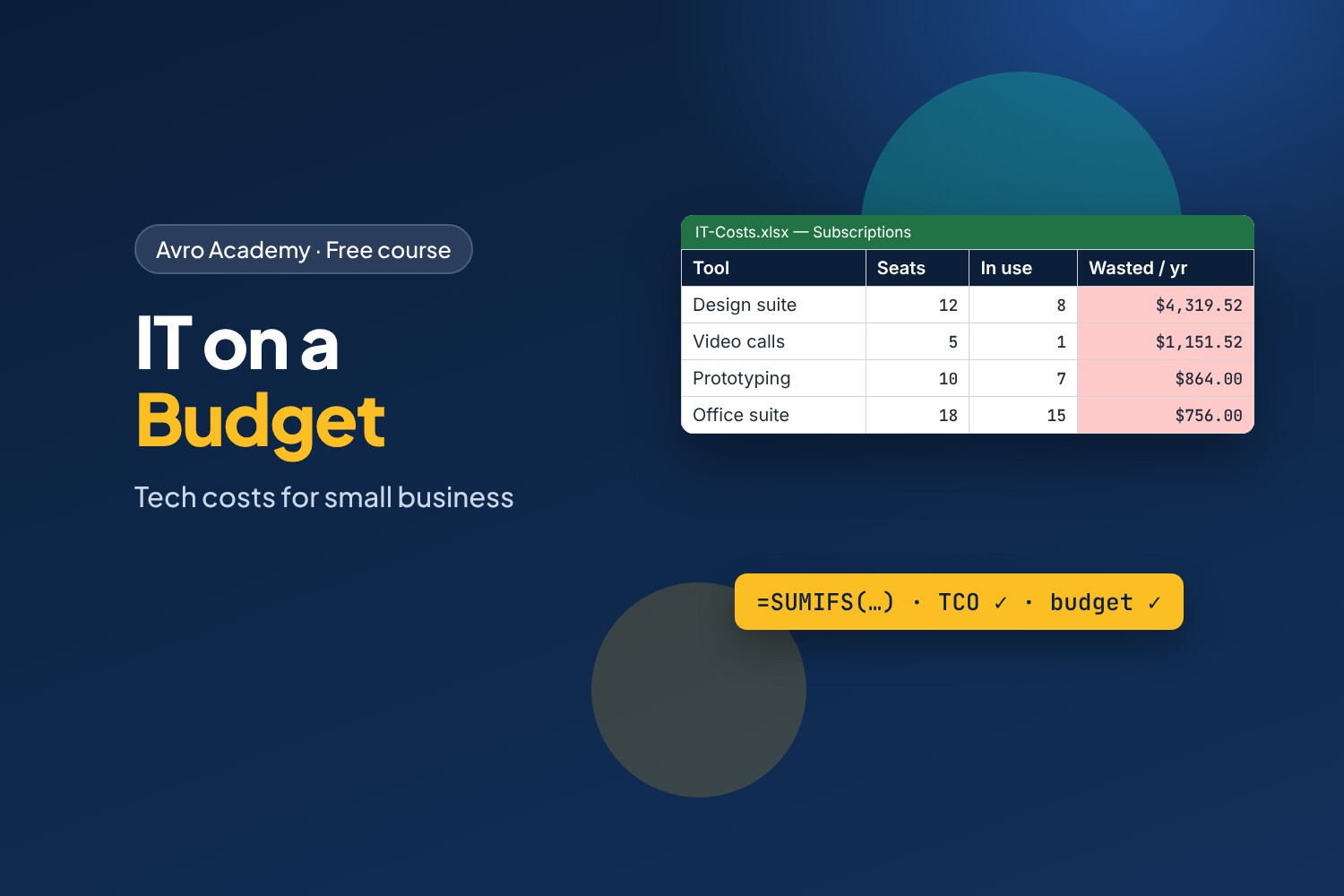
Every small business pays too much for IT. Find out how much.
Software subscriptions renew quietly every month. People leave but their licences don't. Laptops die the week before a deadline. In most small businesses, nobody's job is to keep an eye on all of it — until someone asks "why is our IT bill so high?" This course makes that someone you.
You'll join Brightline Studio, a made-up 15-person design studio in Melbourne, as their new office and IT coordinator. With a year of their bank statement, their subscriptions and their devices, you'll find out where $68,044.84 of IT spending went, track down $8,363.04 a year of waste, compare laptops the smart way, and present a budget the boss can say yes to.
What you'll learn
- What counts as IT spending, and how to pull it out of a bank statement with
SUMIFS - Building an asset register and a subscription register — and finding "shadow IT" on company cards
- Matching licences to people, removing unused seats and leavers, and cutting overlapping tools safely
- Total cost of ownership: why the cheapest laptop is often not the cheapest
- Buying, leasing or subscribing, getting quotes and negotiating renewals
- A 12-month IT budget, a device replacement plan, and how to present it
- Spending rules, offboarding, a monthly review, and the tax basics: GST credits and the instant asset write-off
Who it's for
Office managers, IT support staff and anyone who has been handed "the IT stuff" in a small business. You don't need to be an accountant or a spreadsheet expert — if you can type into a cell, you can do this course. Digital Skills for Work is a good start if spreadsheets are new to you.
How it works
- 6 modules, 18 lessons, about 8 hours including quizzes
- Works in Excel or Google Sheets — every formula works in both
- Brightline's workbook with every answer, empty templates for your own workplace, a spending policy template, a cheat sheet and a certificate
Brightline Studio and all its numbers are made up for this course. Prices are examples, not quotes, and include GST. Tax rules change: the tax lesson is checked November 2026 and links to the ATO for the current rules.
Free forever — like every self-paced course on Avro Academy: all lessons, quizzes, downloads and your certificate. Our promise
Course outline
Module 1: Where the money goes
What counts as IT spending, finding it in the bank statement with SUMIFS, and one-off vs ongoing costs per person.
- What counts as IT spendingFree preview20 min
- Finding IT costs in the bank statement30 min
- One-off vs ongoing, and cost per person25 min
- Module 1 quiz5 min
Module 2: Know what you have
An asset register, a subscription register, and finding the shadow IT on company cards.
- The asset register25 min
- The subscription register25 min
- Shadow IT: the tools nobody listed20 min
- Module 2 quiz5 min
Module 3: Cut the waste
Matching licences to people, removing leavers and unused seats, overlapping tools, and cancelling safely.
- Licences vs people: leavers and unused seats35 min
- Overlapping tools and right-sizing plans30 min
- Monthly or annual, and cancelling safely25 min
- Module 3 quiz5 min
Module 4: Buy smart
Total cost of ownership, buying vs leasing vs subscribing, and getting quotes.
- Total cost of ownership30 min
- Buy, lease or subscribe20 min
- Getting quotes and negotiating25 min
- Module 4 quiz5 min
Module 5: Plan and budget
A 12-month IT budget, a device replacement plan, and presenting it to the boss.
- Building a 12-month IT budget35 min
- A device replacement plan25 min
- Presenting it to the boss20 min
- Module 5 quiz5 min
Module 6: Keep it under control
Spending rules, the tax basics (GST credits, the instant asset write-off), a monthly review and offboarding.
- Spending rules that people follow25 min
- Tax basics: GST credits and the instant asset write-off30 min
- Monthly review, offboarding and where next25 min
- Module 6 and final quiz5 min