
Networking Fundamentals: How the Internet Works
Understand how devices connect — IP addresses, DNS, ports, Wi-Fi and routers — and learn to troubleshoot like IT support, with a hands-on network lab to explore and fix.
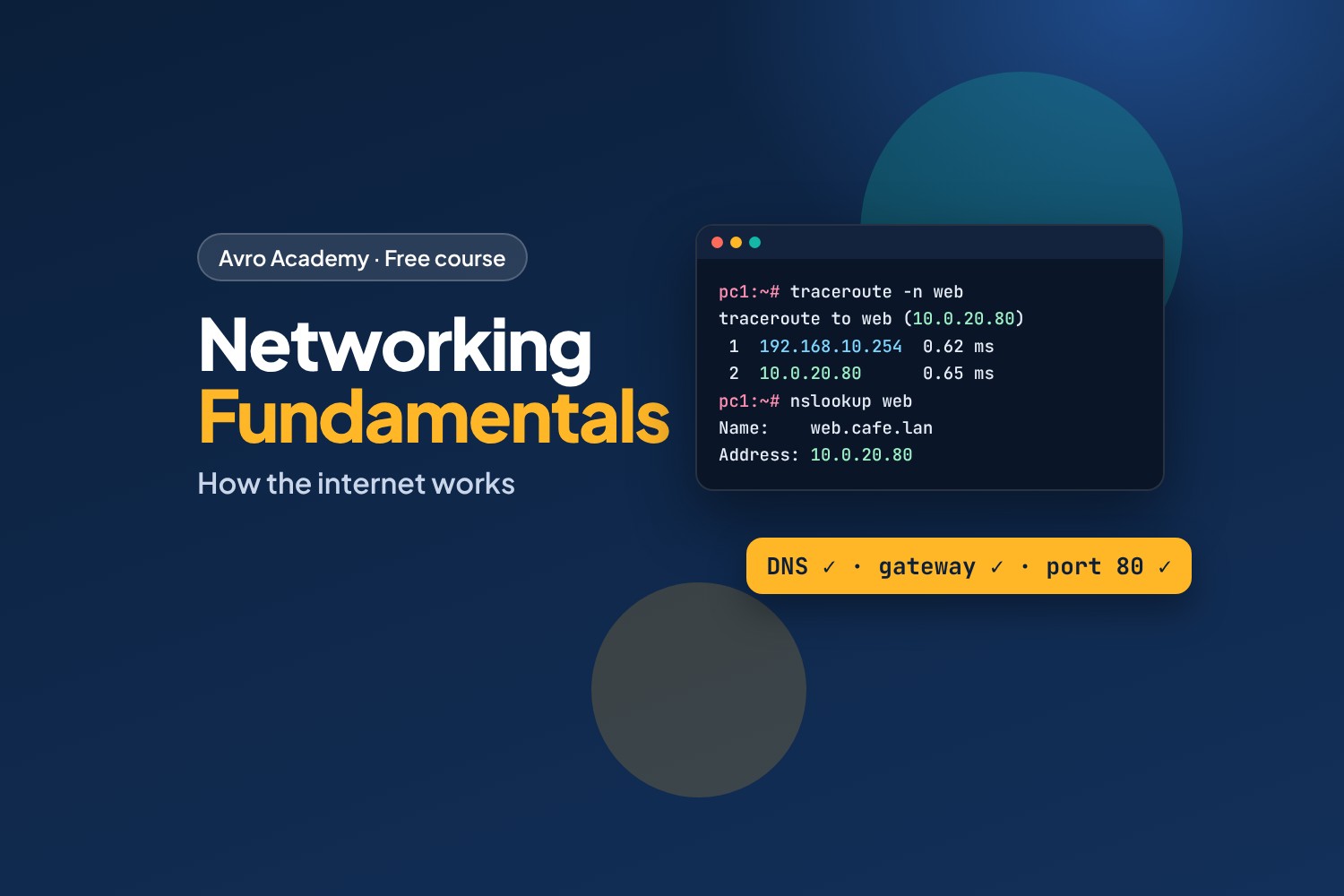
Every app, website and video call depends on the network
When "the internet is down" at work, someone has to work out why: is it the Wi-Fi, the router, the internet provider, or just one website? That's a big part of IT support jobs — and knowing how networks work also makes you a better developer, tester or office all-rounder.
This course explains networking in plain language, from what happens when you open a website, to setting up a small office network safely, to a step-by-step way of fixing problems.
What you'll learn
- How data travels: packets, layers, and the journey of a web page
- IP addresses, subnets, gateways, DHCP and MAC addresses
- DNS, ports, TCP and UDP, HTTP and HTTPS
- Modems, routers, switches, access points, the NBN and Wi-Fi
- Setting up a home or small office network securely
- Troubleshooting with ping, tracert, nslookup and ipconfig — and a method that works
A network lab you can break
You'll get a small, safe practice network that runs on your own computer: an office with two PCs, a server room with a web server and a DNS server, and a router in between. Explore it, then switch on planted faults — a wrong gateway, a broken DNS setting, a firewall rule, a crashed server — and fix them. It uses the free Docker Desktop app and doesn't touch your real network.
Before you start
No experience needed — just a Windows, Mac or Linux computer. For the lab you'll need to be able to install Docker Desktop (free for personal use and learning). Can't install it, for example on a school or library computer? You can still follow along: every lab result in the course was recorded from the real lab.
How it works
- 6 modules, 18 lessons, about 7½ hours including the lab and quizzes
- Commands for Windows, Mac and Linux
- A quiz after each module, a cheat sheet and a certificate
Free forever — like every self-paced course on Avro Academy: all lessons, quizzes, downloads and your certificate. Our promise
Course outline
Module 1: How networks work
Networks, packets and layers, the journey of a web page, and setting up the network lab.
- What a network isFree preview15 min
- The journey of a web page20 min
- Your network lab25 min
- Module 1 quiz5 min
Module 2: Addresses
IP addresses, private and public, NAT, subnets and gateways, DHCP, MAC addresses and IPv6.
- IP addresses25 min
- Subnets and gateways25 min
- DHCP, MAC addresses and IPv625 min
- Module 2 quiz5 min
Module 3: Names and ports
DNS, ports, TCP and UDP, and HTTP and HTTPS.
- DNS: the internet's phone book25 min
- Ports, TCP and UDP25 min
- HTTP and HTTPS20 min
- Module 3 quiz5 min
Module 4: Home and office networks
Modems, routers, switches and access points, the NBN, Wi-Fi, and setting up a small network safely.
- Modems, routers, switches and access points20 min
- Wi-Fi20 min
- Setting up a small network safely25 min
- Module 4 quiz5 min
Module 5: Troubleshooting
A troubleshooting method, the tools on your computer, and common problems and fixes.
- A troubleshooting method20 min
- The tools on your computer25 min
- Common problems and fixes25 min
- Module 5 quiz5 min
Module 6: Fix the lab
Finding and fixing four planted faults, the capstone challenge, and careers.
- Lab faults: the gateway and DNS30 min
- Lab faults: the firewall and the server30 min
- Capstone and next steps20 min
- Module 6 and final quiz5 min